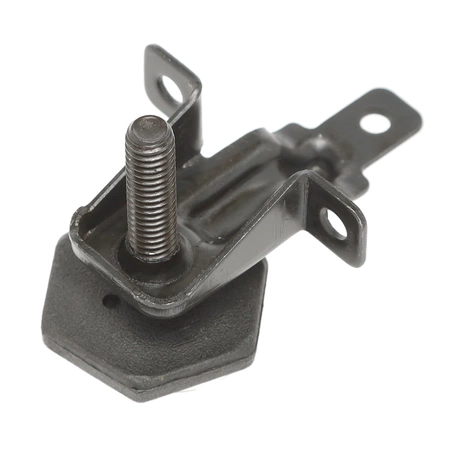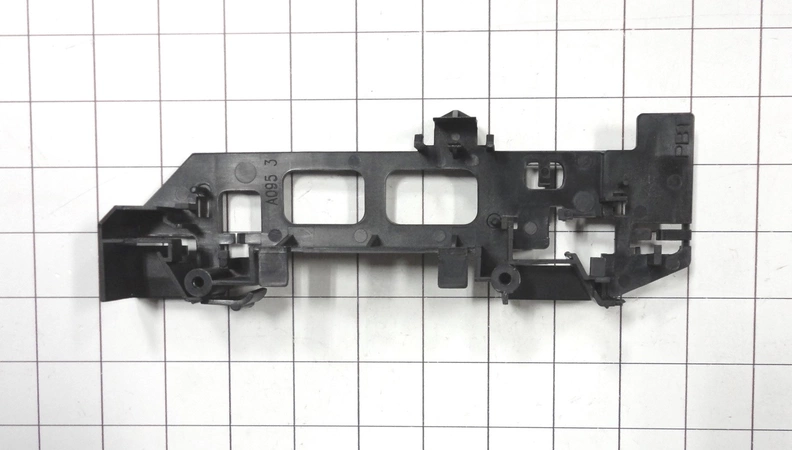
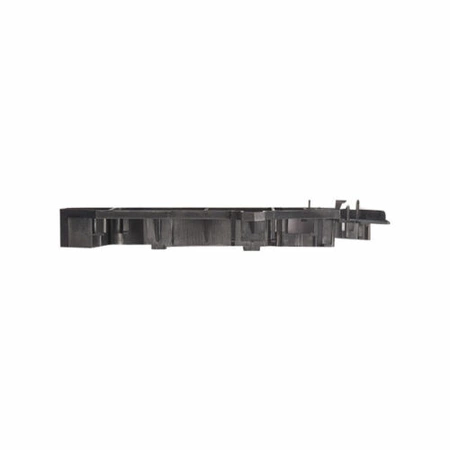
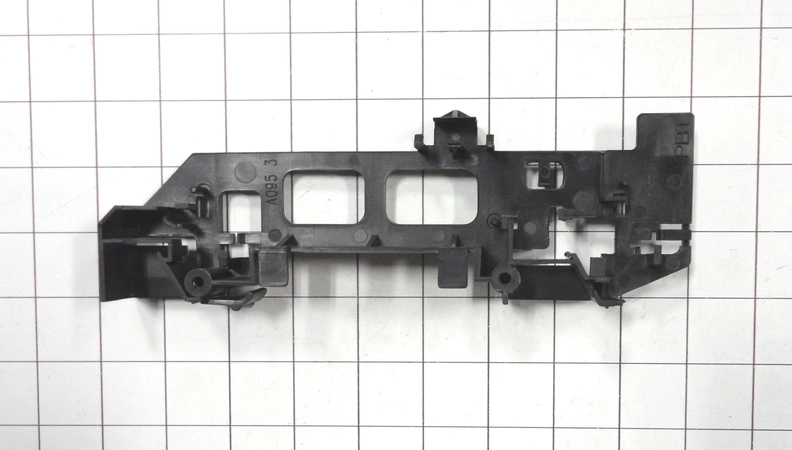
DE81-09910A Samsung Door Latch Hook

$4.74
Door latch hook works with some Dacor models of microwaves.
- Description
- Installation Guide
- Additional information
- Replaceable Parts
- Used in Models
Description
Door latch hook works with some Dacor models of microwaves.
Replacing a Samsung DE81-09910A SVC-LATCH HOOK
Tools needed:
-Flathead screwdriver
-Phillips head screwdriver
-Small hammer
-Needle nose pliers
-Replacement Samsung DE81-09910A SVC-LATCH HOOK
Instructions:
1. Begin by unplugging your appliance from its power source to avoid any potential electrical shocks.
2. Using a flathead screwdriver, remove the screws that hold the panel in place. Depending on where your model’s SVC-LATCH HOOK is located, you may need to remove additional panels.
3. Using needle nose pliers, carefully remove the existing Samsung DE81-09910A SVC-LATCH HOOK from its position.
4. Place the new Samsung DE81-09910A SVC-LATCH HOOK into the opening and secure it with the Phillips head screwdriver.
5. Once the new SVC-LATCH HOOK is secured, gently tap it into place with a small hammer.
6. Reattach the panel and securely tighten the screws with the flathead screwdriver.
7. Lastly, plug your appliance back into its power source and test to see if the new SVC-LATCH HOOK is functioning correctly.
You have now successfully replaced your Samsung DE81-09910A SVC-LATCH HOOK!
Please keep in mind, these instructions are for general guidance and should always be used in conjunction with the manufacturer's manual, if available.
Additional information
| Weight | 0.000000 kg |
|---|
- SMG 109432 (smg-109432)
- SMG 66367 (smg-66367)
- SMG 66742 (smg-66742)
- SMG 66871 (smg-66871)
- SMG 86842 (smg-86842)
This product is not used in any models.