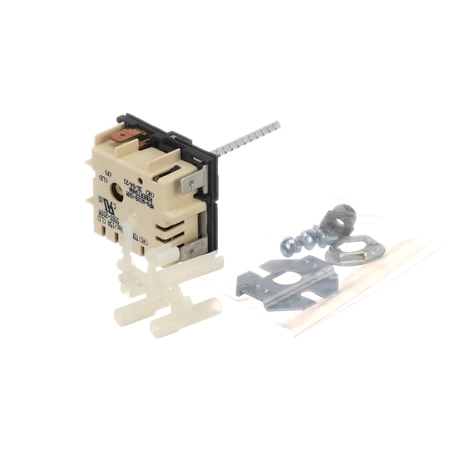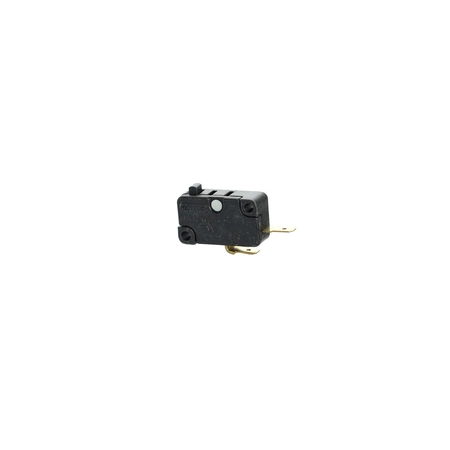
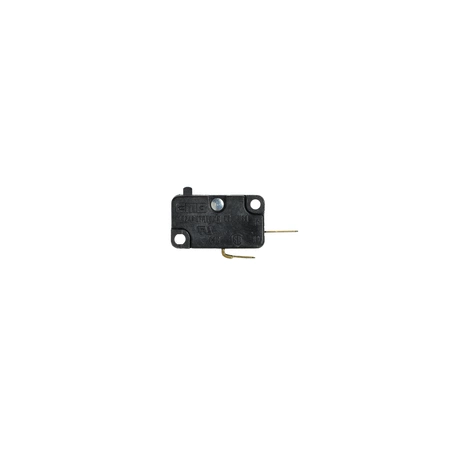
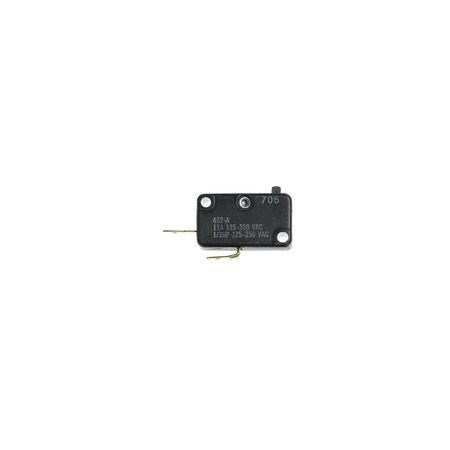

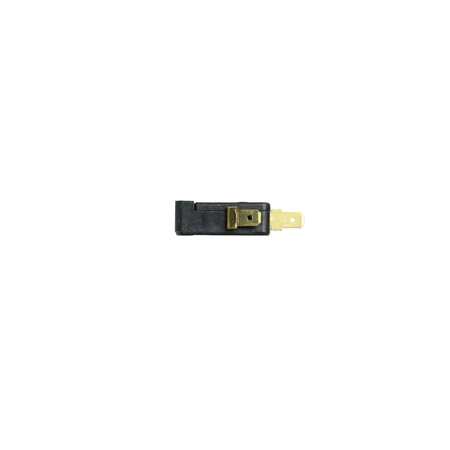
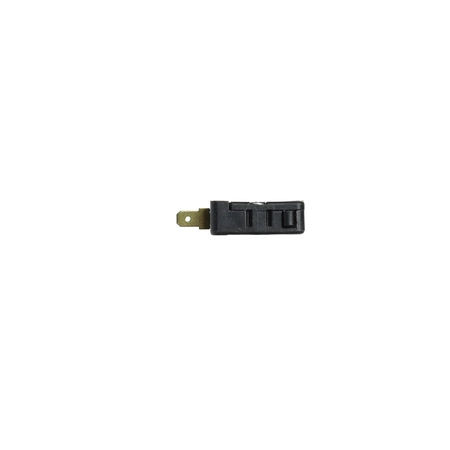
DE81-10017A Samsung Switch

$13.85
DE81-10017A Samsung Microswitch
- Description
- Installation Guide
- Additional information
- Replaceable Parts
- Used in Models
Description
DE81-10017A Samsung Microswitch
Replacing a Samsung DE81-10017A SVC-MICROSWITCH
Tools Required
- Phillips head screwdriver
- Flathead screwdriver
- Needle nose pliers
Instructions
1. Unplug the appliance to prevent electric shock.
2. Locate and remove the screws that hold the old Samsung DE81-10017A SVC-MICROSWITCH in place.
3. Use a flat head screwdriver to pry open the mounting bracket if necessary.
4. Unscrew the wires from the back of the old switch, using a needle nose pliers if necessary.
5. Insert the new Samsung DE81-10017A SVC-MICROSWITCH into the opening created by removing the old switch.
6. Secure the new switch in place by placing the screws back in their original positions.
7. Connect the wires to the corresponding terminals on the new switch.
8. Turn the appliance back on and test the new switch.
9. If the new switch is functioning properly, reassemble the housing and enjoy the improved functionality.
Congratulations! You have successfully replaced your Samsung DE81-10017A SVC-MICROSWITCH.
Please keep in mind, these instructions are for general guidance and should always be used in conjunction with the manufacturer's manual, if available.
Additional information
| Weight | 0.000000 kg |
|---|
- SMG 86420 (smg-86420)
This product is not used in any models.