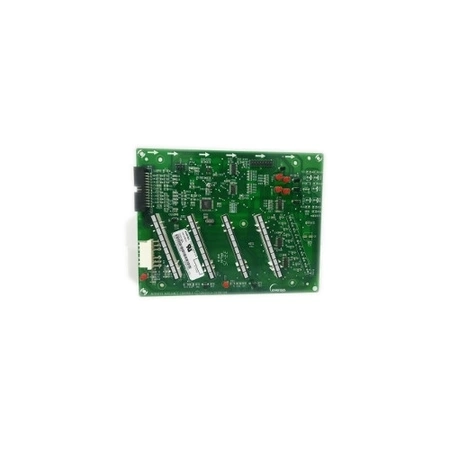
DE81-06170A Samsung Touch Board Lower 36

$251.94
DE81-06170A Samsung Touch Board Lower 36
- Description
- Installation Guide
- Additional information
- Replaceable Parts
- Used in Models
Description
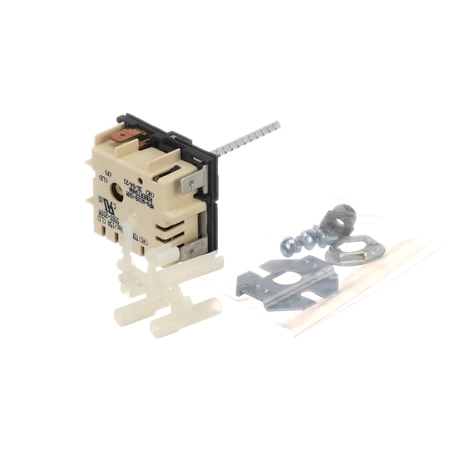
DE81-06170A Samsung Touch Board Lower 36
Step 1: Begin by unplugging the Samsung DE81-06170A SVC-TOUCH BOARD LOWER from the power source to avoid any electric shock hazards.
Step 2: Use a screwdriver to remove any screws securing the board in place.
Step 3: Using a small flathead screwdriver, carefully pull back the plastic cover that is covering the board.
Step 4: Carefully remove the old board from its socket.
Step 5: Insert the new board into the socket, ensuring it is firmly secured.
Step 6: Replace the plastic cover and secure it with the screws.
Step 7: Test the new board for proper operation.
Step 8: Plug in the power source.
Please keep in mind, these instructions are for general guidance and should always be used in conjunction with the manufacturer's manual, if available.
Additional information
| Weight | 0.484600 kg |
|---|---|
| Dimensions | 8.78 × 5.91 × 1.30 cm |
| Dimension |
- SMG 72513 (smg-72513)
This product is not used in any models.