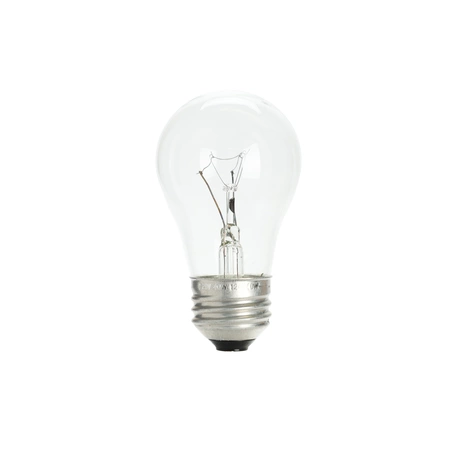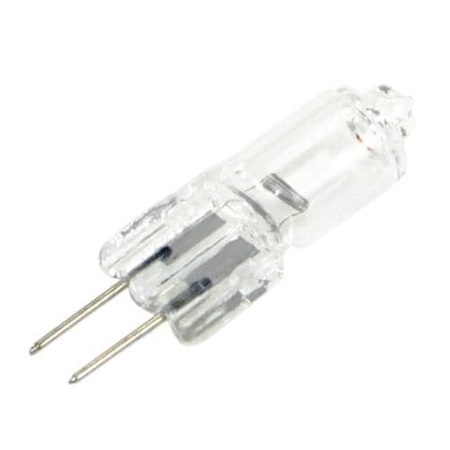
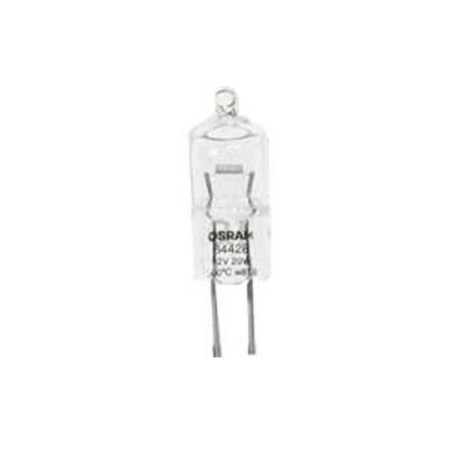
DE81-05798A Samsung Halogen Bulb 12V 20W

$19.68
Dacor Oven Halogen Light Bulb 100429Same as Sub-zero Wolf 808637
- Description
- Installation Guide
- Additional information
- Replaceable Parts
- Used in Models
Description
Dacor Oven Halogen Light Bulb 100429Same as Sub-zero Wolf 808637
1. Begin by switching off your appliance and disconnect it from the power source to ensure no electricity passes through.
2. Empty the appliance and remove any shelves or accessories.
3. Locate the Samsung DE81-05798A SVC-BULB HALOGEN 12V 20W-HAL and carefully remove it using a pair of tweezers or needle nosed pliers.
4. Unscrew the holder that is located at the back of the Bulb and take out the old Bulb.
5. Insert the new bulb into the holder and make sure it is securely connected.
6. Reattach the holder at the back of the bulb.
7. Replace any shelves or accessories that you removed before.
8. Reconnect your appliance to the power source and turn on the appliance.
9. Test the Samsung DE81-05798A SVC-BULB HALOGEN 12V 20W-HAL to ensure proper function.
10. If the bulb does not work properly, switch off the appliance and repeat the instructions.
Please keep in mind, these instructions are for general guidance and should always be used in conjunction with the manufacturer's manual, if available.
Additional information
| Weight | 0.021300 kg |
|---|---|
| Dimensions | 2.76 × 2.28 × 0.47 cm |
| Dimension |
- SMG 100429 (smg-100429)
This product is not used in any models.