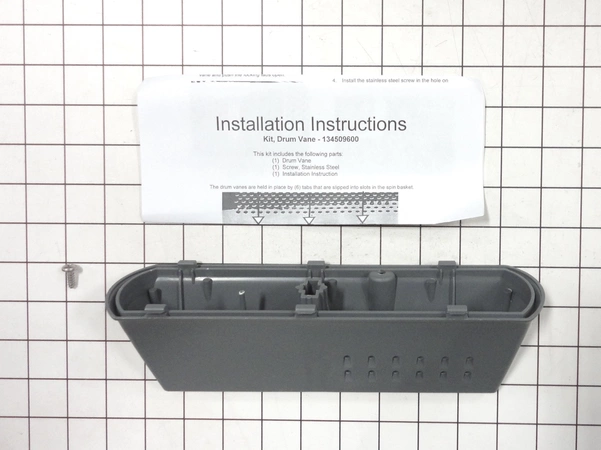
DD61-00561A Samsung Main Cutlery Basket Assembly

$15.45
DD61-00561A Samsung Basket Cutlery Main
- Description
- Installation Guide
- Additional information
- Used in Models
Description
DD61-00561A Samsung Basket Cutlery Main
Step-by-Step Instructions on Replacing the Samsung DD61-00561A MAIN CUTLERY BASKET
1. Unplug your dishwasher from the power source and turn off the water supply.
2. Empty all dishes from the dishwasher, then open the door and remove the lower rack.
3. Remove the screws securing the dishwasher's filter cover. Lift the cover up and away from the dishwasher.
4. Locate the cutlery basket and take the fastening clips off the mounting rails.
5. Pull the Samsung DD61-00561A basket away from the mounting rails and slide it out of the dishwasher.
6. Slide the new cutlery basket into the dishwasher, ensuring it is secure and firmly in place.
7. Reattach the fastening clips to the mounting rails and ensure the basket is securely fastened.
8. Close the filter cover and secure it with the screws.
9. Place the lower rack back into the dishwasher and plug the appliance back into the power source. Turn the water supply back on.
10. Test the dishwasher to make sure it is working properly and the cutlery basket is secure.
Please keep in mind, these instructions are for general guidance and should always be used in conjunction with the manufacturer's manual, if available.
Additional information
| Weight | 1.153300 kg |
|---|---|
| Dimensions | 7.95 × 6.02 × 3.35 cm |
| Dimension |
This product is not used in any models.