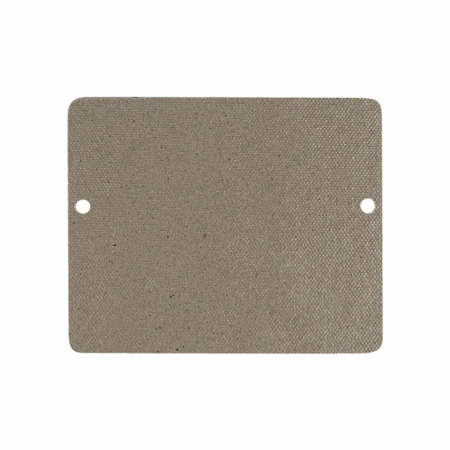
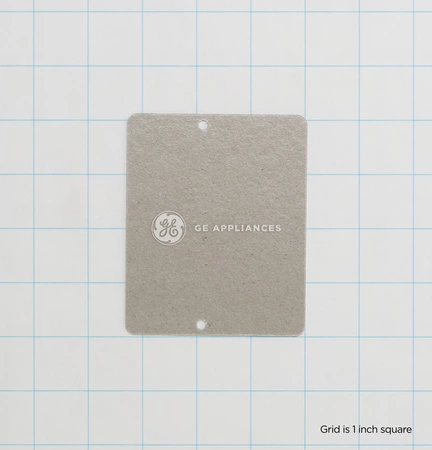
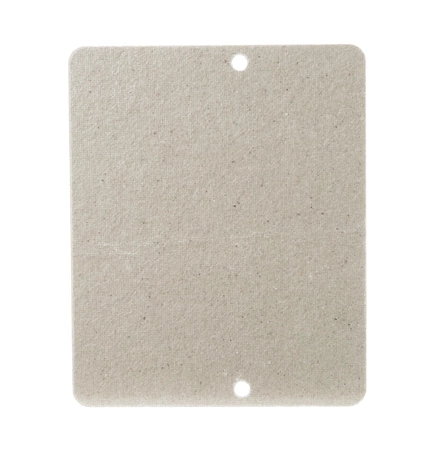
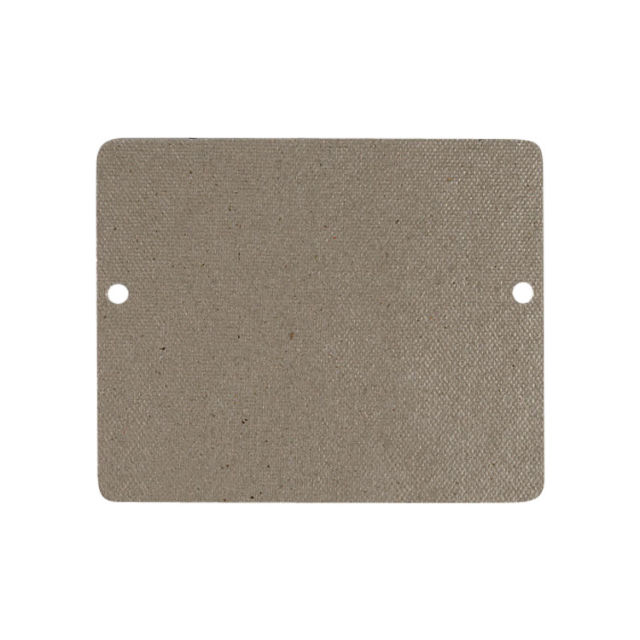
COVER WAVE GUIDE

$0.00
COVER WAVE GUIDE
- Description
- Installation Guide
- Additional information
- Used in Models
Description
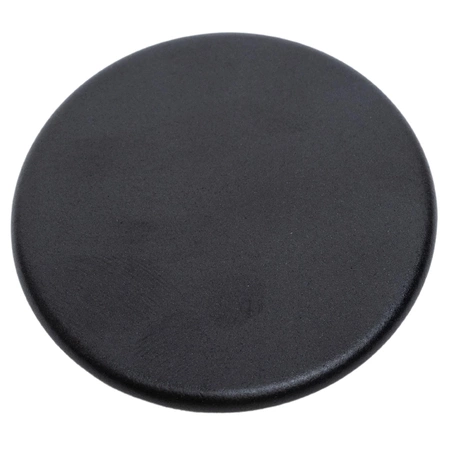
WB34X21271 GE Cover Wave Guide
1. Unplug your microwave before starting.
2. Remove all screws from the base plate of the oven and gently lift them to remove the bottom venting grill.
3. Locate the old WB34X21271ÊGE Cover Wave Guide and carefully remove it, not damaging any surrounding components.
4. Take the new WB34X21271ÊGE Cover Wave Guide and orient it in the same way as the old one.
5. Re-position the bottom venting grill and secure it with screws.
6. Plug the microwave and test to ensure the new cover waveguide is working properly.
Please keep in mind, these instructions are for general guidance and should always be used in conjunction with the manufacturer's manual, if available.
Additional information
| Weight | 1.094600 kg |
|---|---|
| Dimensions | 13.39 × 11.06 × 1.02 cm |
| Dimension |