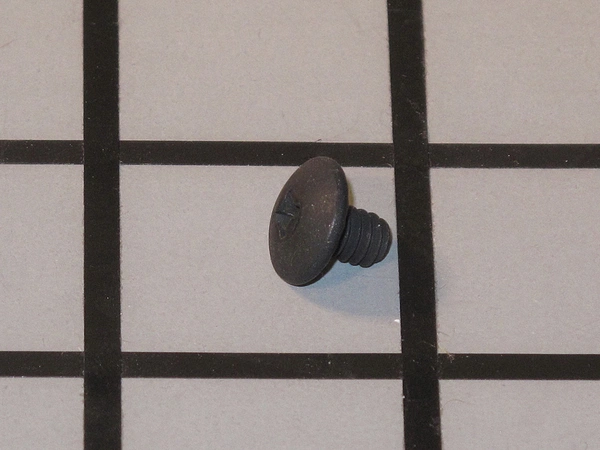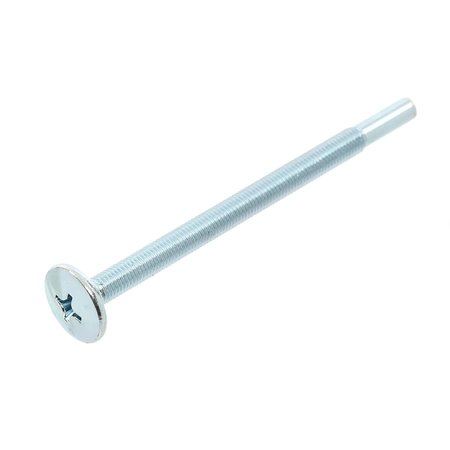
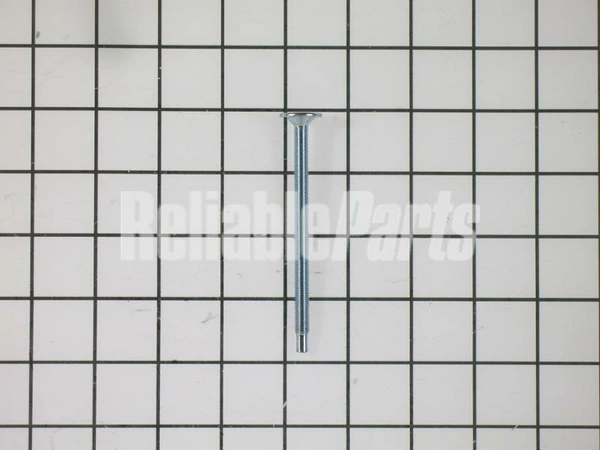
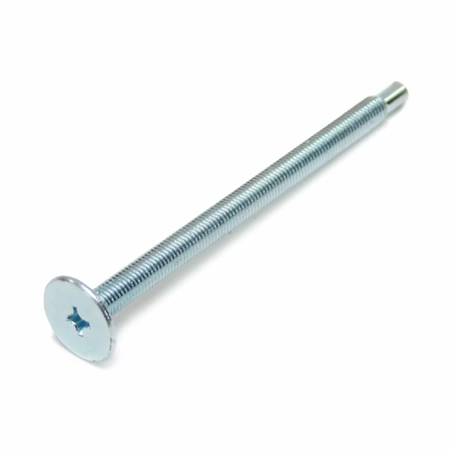
DE60-20066A Samsung Microwave Mounting Flat Bolt

$11.86
Flat bolt for some models of Samsung microwaves.
- Description
- Installation Guide
- Additional information
- Used in Models
Description
Flat bolt for some models of Samsung microwaves.
Replacing the DE60-20066A Samsung Microwave Mounting Flat Bolt
1. Start by unplugging your Samsung microwave and removig it from the wall to access the bolt.
2. Using a flat head screwdriver, unscrew the four screws which cover the bolts.
3. Unscrew the two screws holding the mounting bracket in place using an adjustable wrench or a Phillips head screwdriver.
4. Carefully remove the old DE60-20066A Samsung Microwave Mounting Flat Bolt and replace it with a new one.
5. Reinstall the mounting bracket to the wall with the two screws you removed earlier.
6. Replace the four screws which hold the bolts in place.
7. Finally, reattach your Samsung microwave and plug it in.
Congratulations! You have successfully replaced the DE60-20066A Samsung Microwave Mounting Flat Bolt.
Please keep in mind, these instructions are for general guidance and should always be used in conjunction with the manufacturer's manual, if available.
Additional information
| Weight | 0.012400 kg |
|---|---|
| Dimensions | 3.86 × 0.67 × 0.67 cm |
| Dimension |
This product is not used in any models.