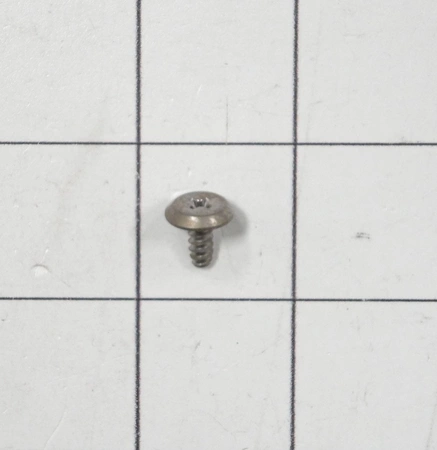
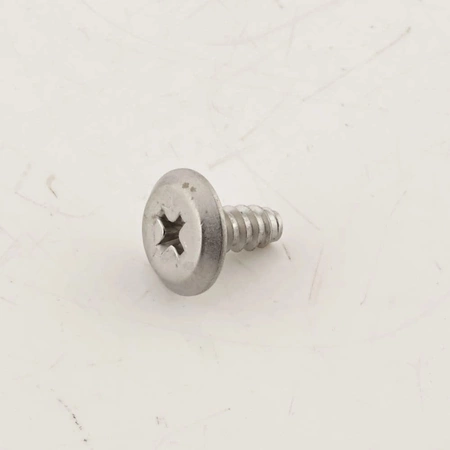
DE81-02200A Samsung Service Screw Wfr Hd #8×3/8 Stainless Steel

$2.09
DE81-02200A Samsung Service Screw Wfr Hd #8×3/8 Stainless Steel
- Description
- Installation Guide
- Additional information
- Replaceable Parts
- Used in Models
Description
DE81-02200A Samsung Service Screw Wfr Hd #8×3/8 Stainless Steel
Replacing the Samsung DE81-02200A SVC-SCREW WFR HD #8X3/8 SS
Step 1: Gather the Necessary Tools
#8x3/8†stainless steel screw, Phillips head screwdriver, and a pair of needle-nose pliers.
Step 2: Remove the Old Screw
Using the Phillips head screwdrive, unscrew the old screw from the object. Once it is free, use the needle-nose pliers to remove any debris from the hole.
Step 3: Place the New Screw in the Hole
Carefully insert the new #8x3/8†stainless steel screw into the hole, ensuring that it is lined up correctly.
Step 4: Tighten the Screw
Using the Phillips head screwdriver, tighten the screw until it is secure.
Step 5: Test the Screws
Once the screw is securely tightened, use the Phillips head screwdriver to test the screws to ensure they are firmly seated. If they are loose, re-tighten them.
Congratulations! You have now successfully replaced the Samsung DE81-02200A SVC-SCREW WFR HD #8X3/8 SS.
Please keep in mind, these instructions are for general guidance and should always be used in conjunction with the manufacturer's manual, if available.
Additional information
| Weight | 0.105900 kg |
|---|---|
| Dimensions | 2.56 × 2.28 × 2.52 cm |
| Dimension |
- SMG 83619 (smg-83619)
This product is not used in any models.