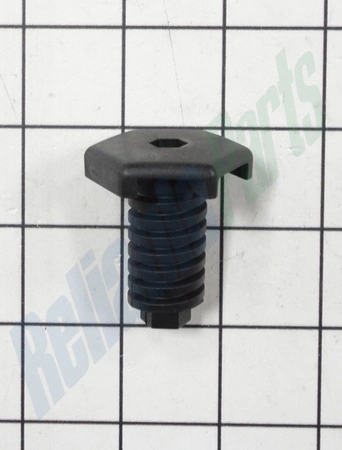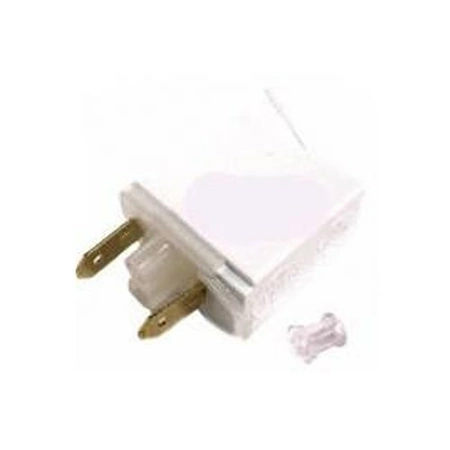
DE81-03497A Samsung Indicator Light Neo Blue

$6.94
Blue neon light indicator works with some Dacor models of range / cooktops.
- Description
- Installation Guide
- Additional information
- Replaceable Parts
- Used in Models
Description
Blue neon light indicator works with some Dacor models of range / cooktops.
1. First, power off your Samsung DE81-03497A SVC-INDICATOR LIGHT BLUE NEO by unplugging it from the wall outlet.
2. Next, unscrew the back panels of the device until you have access to the internal components of the NEO.
3. Carefully remove the old SVC-INDICATOR LIGHT BLUE using a flathead screwdriver.
4. Insert the new SVC-INDICATOR LIGHT BLUE into the appropriate slot and secure it using the same screws that were removed during the disassembly process.
5. Test the device to make sure that it is functioning properly and the new SVC-INDICATOR LIGHT BLUE is working.
6. Finally, reassemble the device and plug it back into the wall outlet.
Please keep in mind, these instructions are for general guidance and should always be used in conjunction with the manufacturer's manual, if available.
Additional information
| Weight | 0.039900 kg |
|---|---|
| Dimensions | 2.24 × 2.17 × 1.14 cm |
| Dimension |
- SMG 13734 (smg-13734)
- SMG 72912 (smg-72912)
- SMG 62036 (smg-62036)
This product is not used in any models.