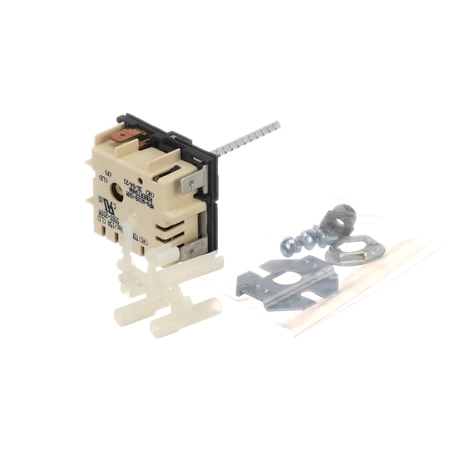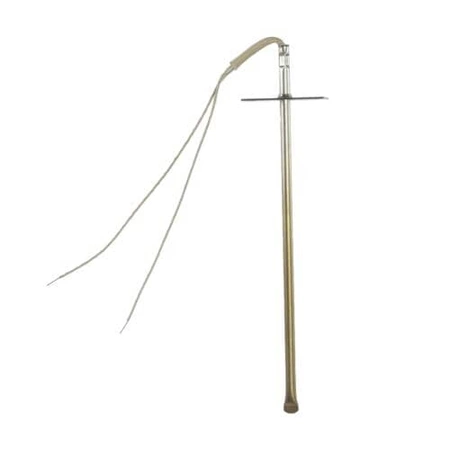
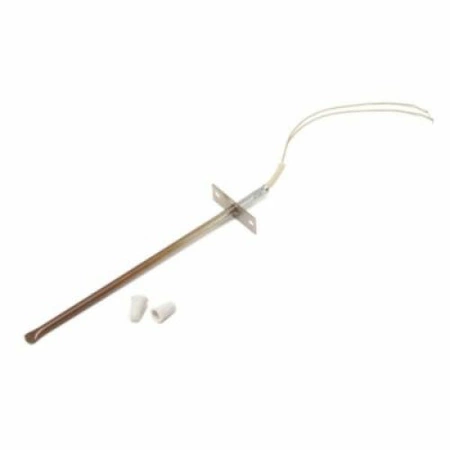
DE81-03937A Samsung Robertshaw Temperature Sensor Kit

$93.34
Temperature sensor kit works with some Dacor models of range / wall ovens.
- Description
- Installation Guide
- Additional information
- Replaceable Parts
- Used in Models
Description
Temperature sensor kit works with some Dacor models of range / wall ovens.
Replacing the Samsung DE81-03937A SVC-TEMP SENSOR KIT
1. Turn off the power to the Samsung device. Unplug the appliance and shut off the power at the breaker box.
2. Remove the back panel of the device. On most Samsung models, the panel is held in place with several screws.
3. Locate the temperature sensor. It is usually located near the cooling fan or behind the refrigerator’s evaporator coils.
4. Disconnect the existing sensor. Remove the nut from the sensor’s terminal and pull the plug out of the temperature sensor.
5. Install the new sensor. Fit the new sensor in the same position as the old one and secure it with a nut.
6. Connect the plug. Carefully match up the wires and plug the temperature sensor into the correct connector on the temperature control board.
7. Put the back panel back on and turn the power back on.
8. Test the new temperature sensor. Turn the power back on and check for any signs of error messages, or adjust the temperature setting on the appliance if necessary.
Please keep in mind, these instructions are for general guidance and should always be used in conjunction with the manufacturer's manual, if available.
Additional information
| Weight | 0.160300 kg |
|---|---|
| Dimensions | 6.34 × 4.25 × 0.83 cm |
| Dimension |
- SMG 82835 (smg-82835)
- SMG 86663 (smg-86663)
This product is not used in any models.