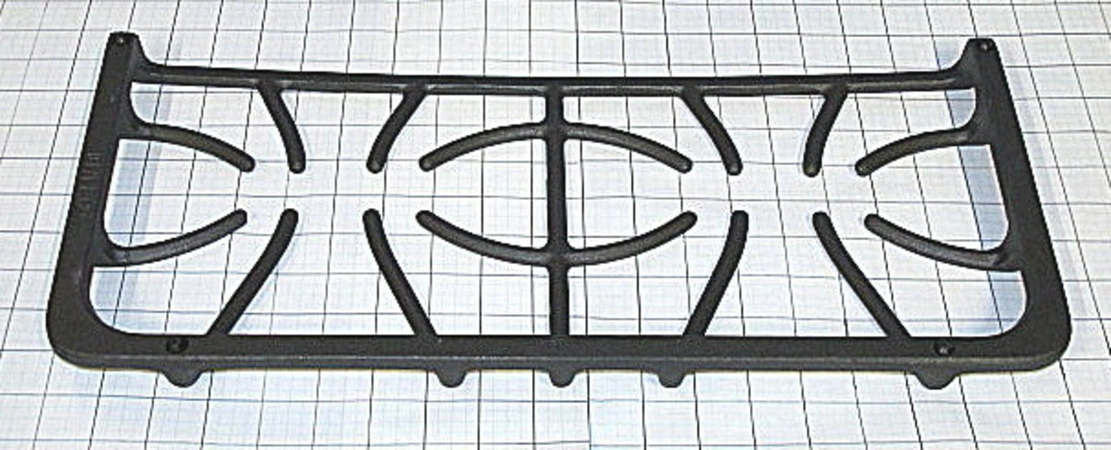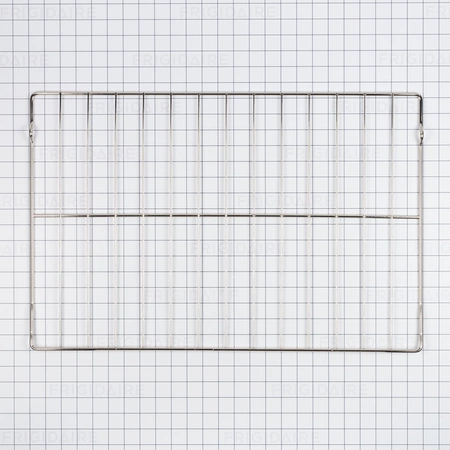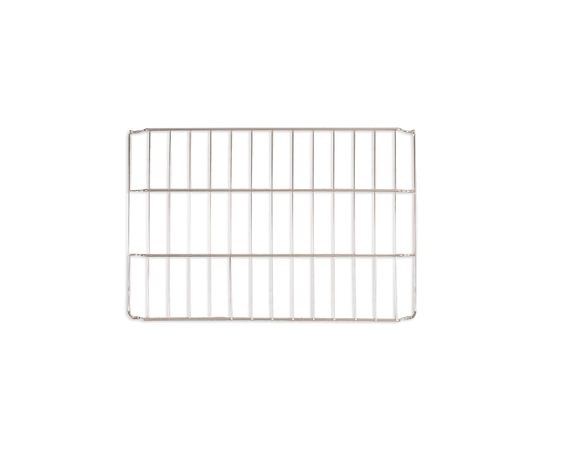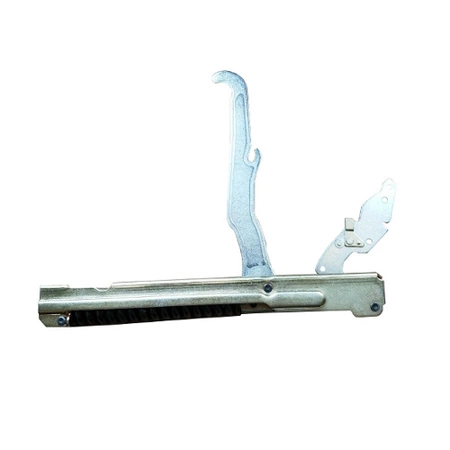
DE81-04548A Samsung Grate 10×24 Four Finger

$161.36
DE81-04548A Samsung Grate 4 Finger 10×24
- Description
- Installation Guide
- Additional information
- Replaceable Parts
- Used in Models
Description
DE81-04548A Samsung Grate 4 Finger 10×24
How to Replace a Samsung DE81-04548A SVC-GRATE 4 FINGER 10X24
If you're looking to replace your Samsung DE81-04548A SVC-GRATE 4 FINGER 10X24, you've come to the right place. This guide will walk you through the process of replacing your oven grate step by step. All you'll need is a few tools and minutes of free time. Let's get started!
Step 1: Unplug your oven and lay out a clean surface area.
Step 2: Remove your old oven grate by unscrewing any screws or bolts holding it in place.
Step 3: Be sure to inspect the area around the grate for any stubborn grease or food that may have spilled over while cooking.
Step 4: Place your new Samsung DE81-04548A SVC-GRATE 4 FINGER 10X24 onto your oven.
Step 5: Secure your new oven grate with screws or bolts if necessary.
Step 6: Plug your oven back in and test out your new oven grate.
And that's it! You now know how to replace your Samsung DE81-04548A SVC-GRATE 4 FINGER 10X24 oven grate. If you have any trouble along the way, don't hesitate to call a professional for help.
Please keep in mind, these instructions are for general guidance and should always be used in conjunction with the manufacturer's manual, if available.
Additional information
| Weight | 0.000000 kg |
|---|
- SMG 700037MB (smg-700037mb)
- SMG 700037 (smg-700037)
This product is not used in any models.