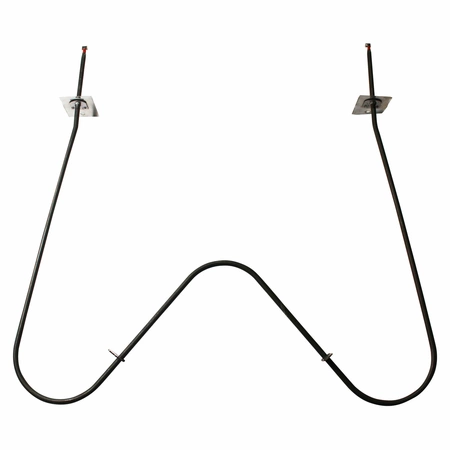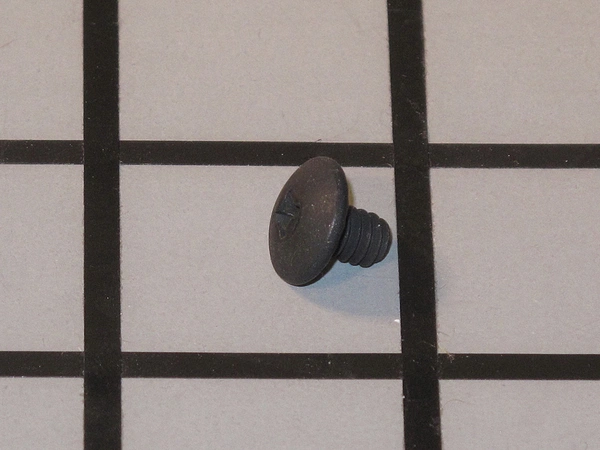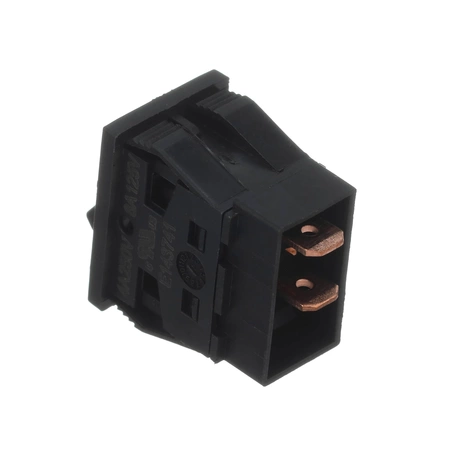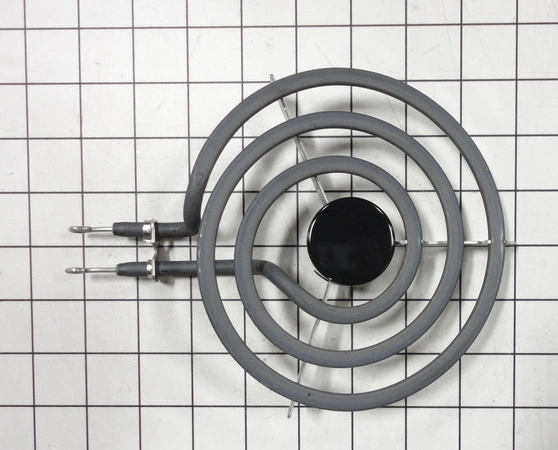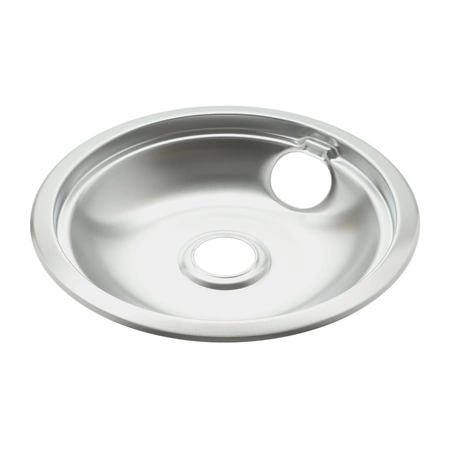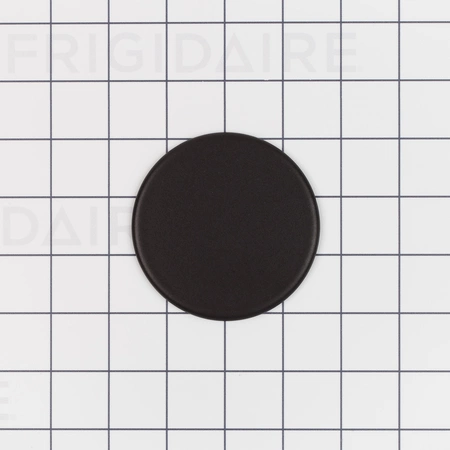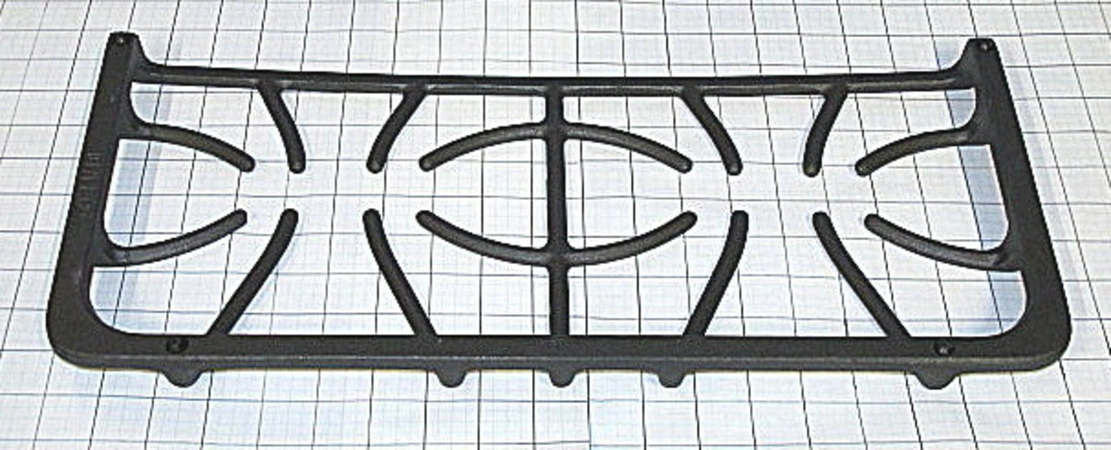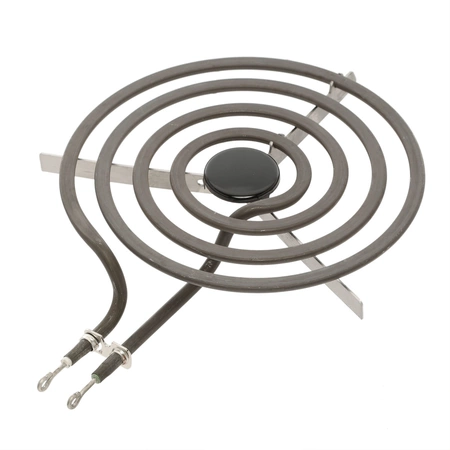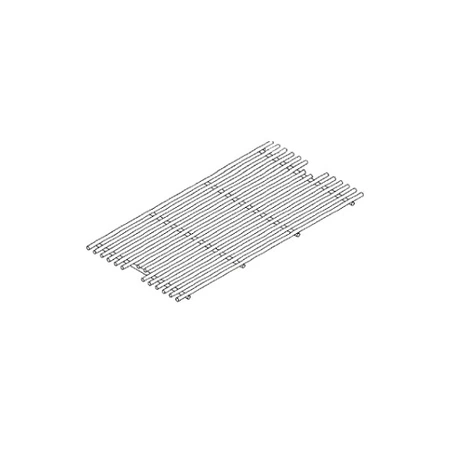
DE81-04823A Samsung Large Porcelain Grille

$52.52
DE81-04823A Samsung Large Grille Porcelain
- Description
- Installation Guide
- Additional information
- Used in Models
Description
DE81-04823A Samsung Large Grille Porcelain
Step 1: Unplug your Samsung DE81-04823A SVC-LARGE GRILL.
Step 2: Remove all the screws on the back of the grill using a Phillips head screwdriver.
Step 3: Carefully lift the top and bottom of the grill as you remove the screws.
Step 4: Carefully remove the old Porcelein Tray by unscrewing the mounting bracket.
Step 5: Clean up any debris or old food residue from the inside area where the new tray will be installed.
Step 6: Place the new Porcelein Tray into the area and screw in the mounting bracket. Make sure it is secured tightly.
Step 7: Place the top and bottom of the grill back onto the unit and screw it back in place.
Step 8: Plug in the unit and test the new Porcelein Tray to make sure it is working properly before use.
Please keep in mind, these instructions are for general guidance and should always be used in conjunction with the manufacturer's manual, if available.
Additional information
| Weight | 0.000000 kg |
|---|
This product is not used in any models.