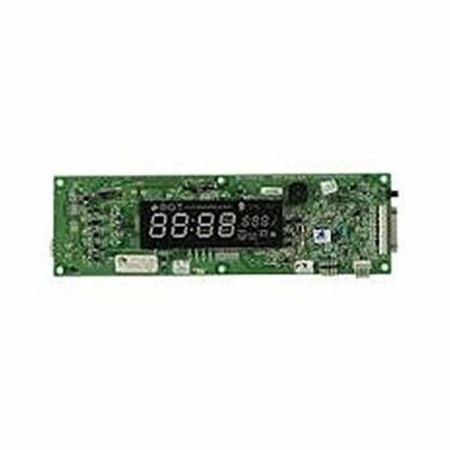
DE81-04935A Samsung Display Module Kit

$222.65
Samsung DE81-04935A SVC-DISPLAY MODULE KIT. . We’re your #1 source for genuine OEM appliance parts. Contact us for further questions as well as any other appliance parts needs!
- Description
- Installation Guide
- Additional information
- Replaceable Parts
- Used in Models
Description
Samsung DE81-04935A SVC-DISPLAY MODULE KIT. . We’re your #1 source for genuine OEM appliance parts. Contact us for further questions as well as any other appliance parts needs!
Replacing the Samsung DE81-04935A SVC-DISPLAY MODULE KIT
1. Unplug the power cord of your Samsung appliance from the wall.
2. Remove all electrical components that may be blocking access to the back of the appliance, such as knobs and power cords.
3. Open the Samsung appliance door, which should be located on the side panel.
4. Locate the Samsung DE81-04935A SVC-DISPLAY MODULE KIT inside the appliance.
5. Unscrew and remove the screws holding the module in place.
6. Carefully pull the module out from the appliance.
7. Place the new module into the appliance and screw it in place securely.
8. Close the appliance door and reattach all electrical components.
9. Plug the power cord back into the wall and power on the appliance.
10. Test the display to make sure the new module is working properly.
Please keep in mind, these instructions are for general guidance and should always be used in conjunction with the manufacturer's manual, if available.
Additional information
| Weight | 0.422000 kg |
|---|---|
| Dimensions | 11.42 × 3.35 × 1.54 cm |
| Dimension |
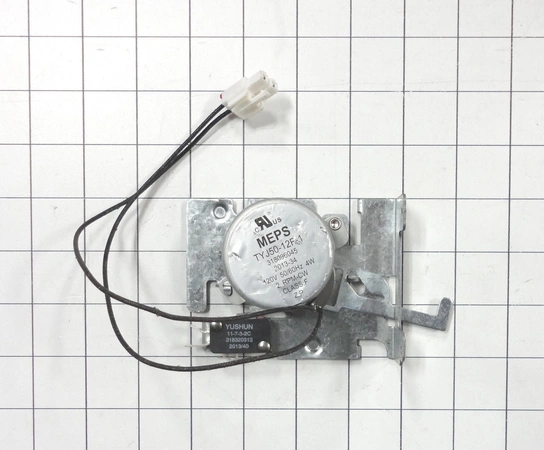
- SMG 701045-04 (smg-701045-04)
- SMG 101992 (smg-101992)
This product is not used in any models.