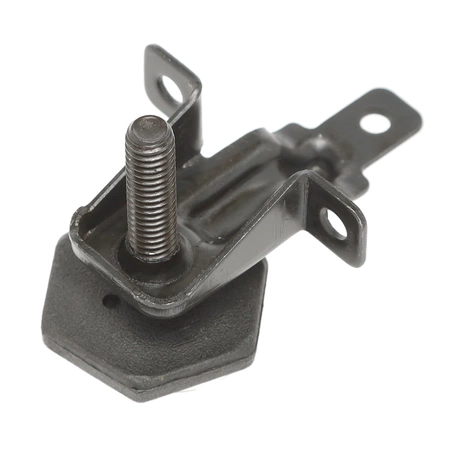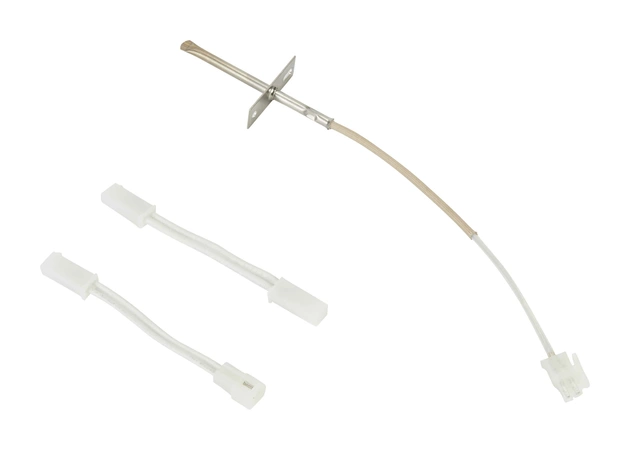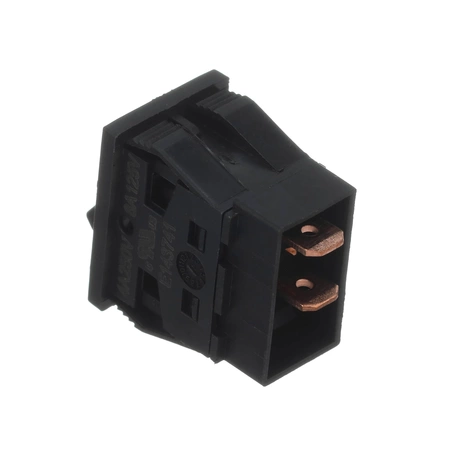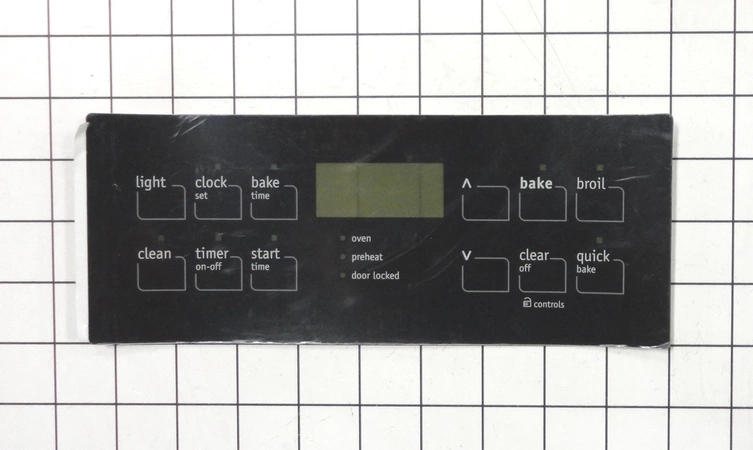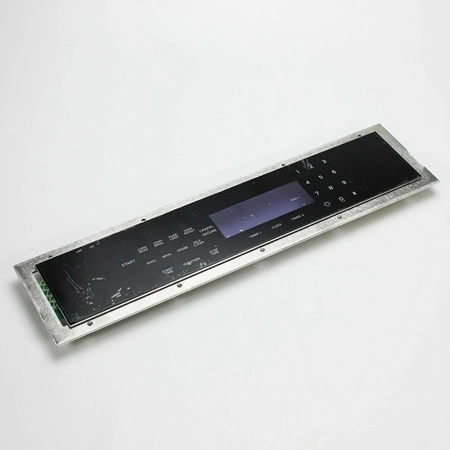
DE81-04981A Samsung Membrane Panel Kit

$195.63
DE81-04981A Samsung Membrane Panel Kit
- Description
- Installation Guide
- Additional information
- Replaceable Parts
- Used in Models
Description
DE81-04981A Samsung Membrane Panel Kit
Replacing the Samsung DE81-04981A SVC-MEMBRANE PANEL KIT
1. Unplug the appliance from the wall before beginning the replacement process.
2. Remove the faceplate of the appliance by loosening the screws that secure it in place.
3. Take out the existing membrane panel kit and discard it.
4. Insert the new Samsung DE81-04981A SVC-MEMBRANE PANEL KIT by aligning the notches at the top and bottom of the kit with the corresponding slots on the appliance.
5. Secure the new membrane panel kit in place using the screws provided in the package.
6. Replace the faceplate of the appliance and tighten its screws to secure it in place.
7. Reinstall the appliance and plug it back into the wall.
8. Test the appliance to ensure that it is working correctly.
Please keep in mind, these instructions are for general guidance and should always be used in conjunction with the manufacturer's manual, if available.
Additional information
| Weight | 1.180200 kg |
|---|---|
| Dimensions | 17.01 × 5.00 × 1.93 cm |
| Dimension |
- SMG 701310-01 (smg-701310-01)
- SMG 701044-01 (smg-701044-01)
This product is not used in any models.