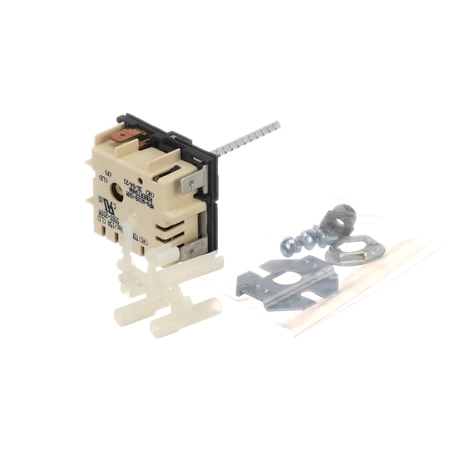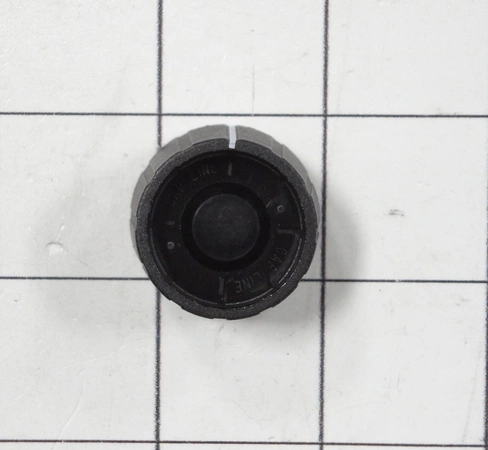
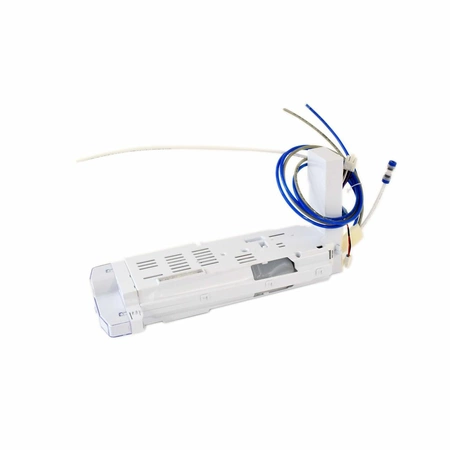
DE81-05998A Samsung Selco Knob Dbk291 006

$5.00
DE81-05998A Samsung Knob Selco Dbk291 006
- Description
- Installation Guide
- Additional information
- Replaceable Parts
- Used in Models
Description
DE81-05998A Samsung Knob Selco Dbk291 006
1. Begin by unplugging your Samsung DE81-05998A SVC-KNOB SELCO appliance from the power source.
2. Carefully remove the knobs on either side of the device using a pair of pliers.
3. Use a screwdriver to remove any screws securing the knob in place.
4. Pull the knob out of its slot, and discard it safely.
5. Find a replacement for the Samsung DE81-05998A SVC-KNOB SELCO. Make sure it is compatible with your device.
6. Place the new knob in the slot, and secure with any screws that were there before.
7. Reattach the knobs on either side of the device, and check if the knob is spinning smoothly.
8. Reconnect to the power source, and test the operation of the device.
9. Congratulations! You have successfully replaced the Samsung DE81-05998A SVC-KNOB SELCO.
Please keep in mind, these instructions are for general guidance and should always be used in conjunction with the manufacturer's manual, if available.
Additional information
| Weight | 0.000000 kg |
|---|
- SMG 83424 (smg-83424)
This product is not used in any models.