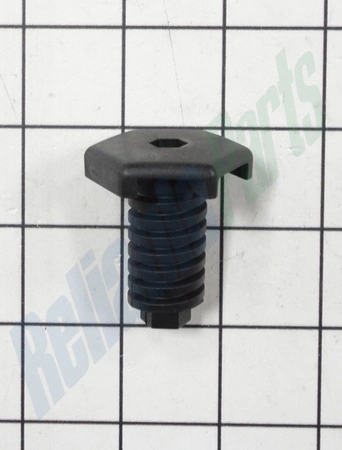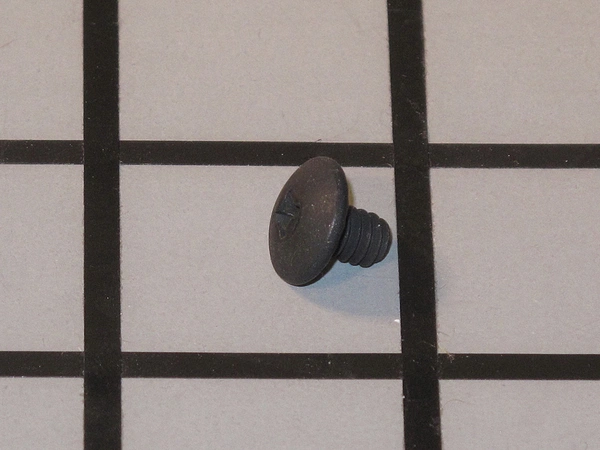
DE81-06145A Samsung 2 Pin Micro Switch Assembly

$9.34
DE81-06145A Samsung 2 Pin Micro Switch
- Description
- Installation Guide
- Additional information
- Replaceable Parts
- Used in Models
Description
DE81-06145A Samsung 2 Pin Micro Switch
1. Start by locating the Samsung DE81-06145A SVC-MICROSWITCH 2 PIN NC in your appliance.
2. Disconnect the power from the device to ensure safety before beginning any repairs.
3. Use a flathead screwdriver to remove the screws securing the microswitch to the device. Be careful not to cause any damage to the surrounding components when removing the screws.
4. Carefully pull out the microswitch and set it aside.
5. Place the new Samsung DE81-06145A SVC-MICROSWITCH 2 PIN NC into position, aligning the holes for the screws.
6. Replace the screws and tighten them securely.
7. Connect the power back to the device and test the microswitch connectivity.
8. If the microswitch is operating correctly, then the repair is complete.
Follow these steps to safely replace your Samsung DE81-06145A SVC-MICROSWITCH 2 PIN NC.
Please keep in mind, these instructions are for general guidance and should always be used in conjunction with the manufacturer's manual, if available.
Additional information
| Weight | 0.030000 kg |
|---|---|
| Dimensions | 2.99 × 1.18 × 1.18 cm |
| Dimension |
- SMG 66986 (smg-66986)
This product is not used in any models.