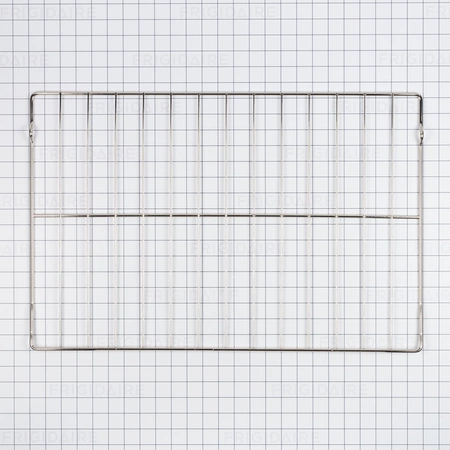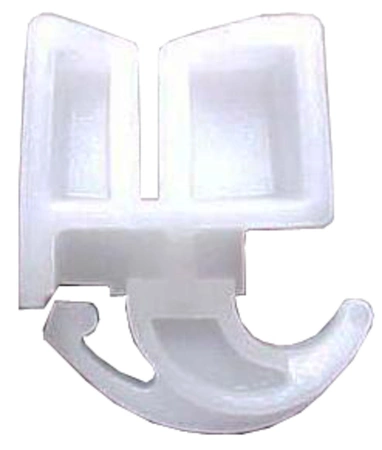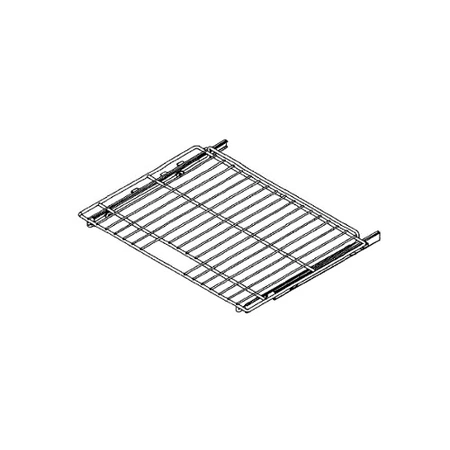
DE81-06247A Samsung Accessories 30 Glide Rack

$243.31
DE81-06247A Samsung Accessories 30 Glide Rack
- Description
- Installation Guide
- Additional information
- Replaceable Parts
- Used in Models
Description
DE81-06247A Samsung Accessories 30 Glide Rack
DIY Instructions for Replacing the Samsung DE81-06247A SVC-ACCY 30 Glide Rack
1. Before beginning the replacement process, unplug your appliance from the power source and turn off the gas supply if applicable.
2. Remove all items from the shelf and gently lift it up and out of the refrigerator.
3. Look at the underside of the shelf for two plastic tabs. Push these to remove the old glide rack.
4. Now you are ready to install the new glide rack. Take the Samsung DE81-06247A SVC-ACCY 30 Glide Rack and align it with the groove on the bottom of the shelf.
5. Push the glide rack until it clicks and locks in place.
6. Place the shelf back into the refrigerator.
7. Plug your appliance back into the power source and turn on any gas supply if applicable.
8. Your DIY installation is now complete!
Please keep in mind, these instructions are for general guidance and should always be used in conjunction with the manufacturer's manual, if available.
Additional information
| Weight | 0.000000 kg |
|---|
- SMG DE81-07982A (smg-de81-07982a)
This product is not used in any models.