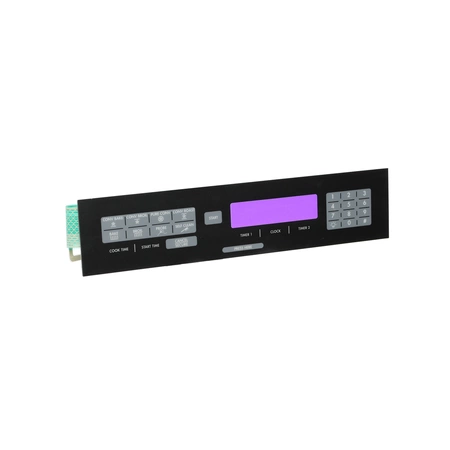
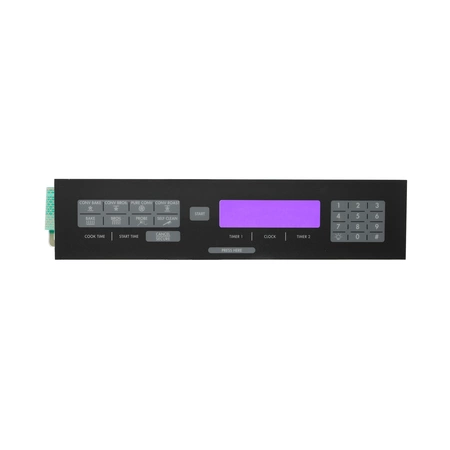
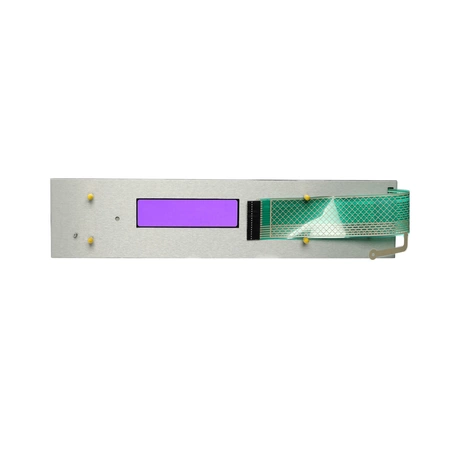
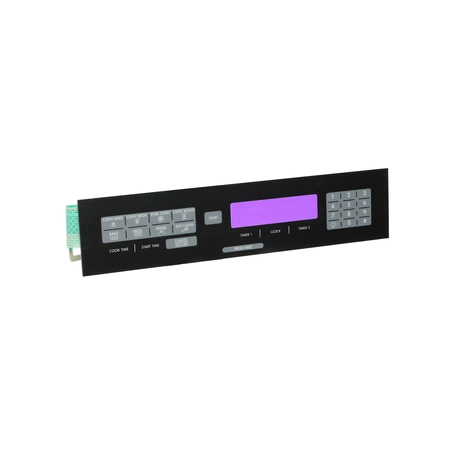
DE81-07624A Samsung Oven Membrane ER30 36D

$214.13
Membrane works with some Dacor models of wall ovens.
- Description
- Installation Guide
- Additional information
- Replaceable Parts
- Used in Models
Description
Membrane works with some Dacor models of wall ovens.
Step 1: Preparation
Before starting, make sure to turn off the power and unplug the Samsung DE81-07624A appliance from the wall outlet. If you need help turning off the appliance, refer to the instruction manual.
Step 2: Locate the Membrane
Locate the SVC-MEMBRANE inside the appliance and disconnect it. Make sure to remove any screws or connectors that are keeping the membrane in place.
Step 3: Replace the Membrane
Once the old membrane is removed, replace it with a new one. Make sure to securely attach the new membrane to the appliance, using the same screws or connectors that were used to attach the old membrane.
Step 4: Test the Appliance
After the membrane is replaced, plug the Samsung DE81-07624A appliance back into the wall outlet and turn on the power. Wait a few minutes and then test the appliance to make sure it is functioning properly.
Step 5: Cleanup
Dispose of the old membrane in a responsible manner and clean up any dust or debris created during the repair process. Make sure to put all screws, connectors, and other materials back where they belong.
Please keep in mind, these instructions are for general guidance and should always be used in conjunction with the manufacturer's manual, if available.
Additional information
| Weight | 0.815100 kg |
|---|---|
| Dimensions | 16.30 × 4.53 × 1.54 cm |
| Dimension |
- SMG 105310 (smg-105310)
- SMG 100166 (smg-100166)
This product is not used in any models.