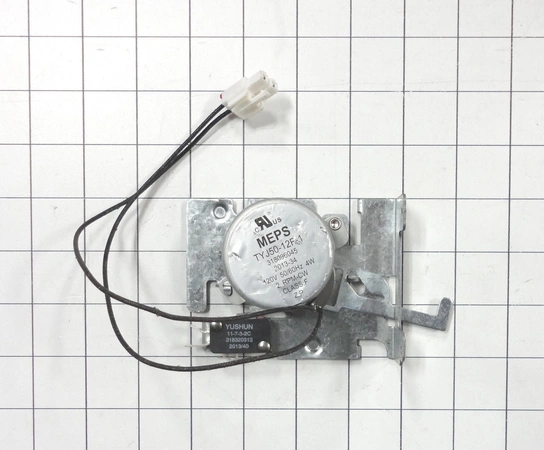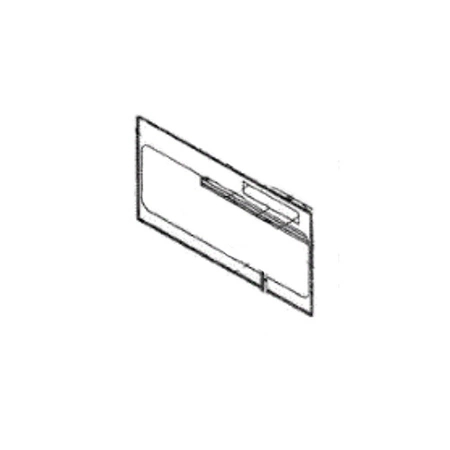
DE81-07795A Samsung Oven Service Control with Overlay

$250.34
DE81-07795A Samsung Oven Service Control with Overlay
- Description
- Installation Guide
- Additional information
- Replaceable Parts
- Used in Models
Description
DE81-07795A Samsung Oven Service Control with Overlay
Replacing the Samsung DE81-07795A SVC-CONTROL W/OVERLAY
1. Disconnect power to the appliance by unplugging it or turning off the circuit breaker that powers it.
2. Open the top of the appliance, usually with a screwdriver, and locate the Samsung DE81-07795A SVC-CONTROL W/OVERLAY. The SVC-CONTROL is usually located near the top of the appliance.
3. Using a flat-head screwdriver, gently pry up the SVC-CONTROL W/OVERLAY and disengage the electrical connectors attached to the back of the SVC-CONTROL.
4. Carefully remove the old SVC-CONTROL W/OVERLAY from the appliance.
5. Install the new Samsung DE81-07795A SVC-CONTROL W/OVERLAY in the same location as the original. Secure the SVC-CONTROL in place with the screws located on the side of the appliance.
6. Reconnect the electrical connectors to the SVC-CONTROL W/OVERLAY.
7. Close the appliance and turn the power back on.
8. Test the new Samsung DE81-07795A SVC-CONTROL W/OVERLAY carefully to ensure that it is functioning properly.
Replacing Samsung DE81-07795A SVC-CONTROL W/OVERLAY is a relatively straightforward process that should not take more than thirty minutes to complete. Make sure to use caution when working around electricity and keep any loose parts organized in case they need to be reinstalled.
Please keep in mind, these instructions are for general guidance and should always be used in conjunction with the manufacturer's manual, if available.
Additional information
| Weight | 0.000000 kg |
|---|
- SMG 101645 (smg-101645)
This product is not used in any models.