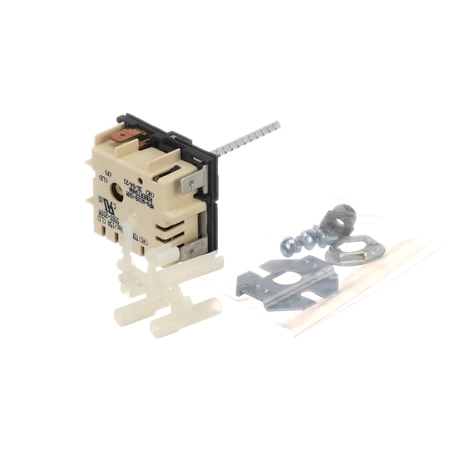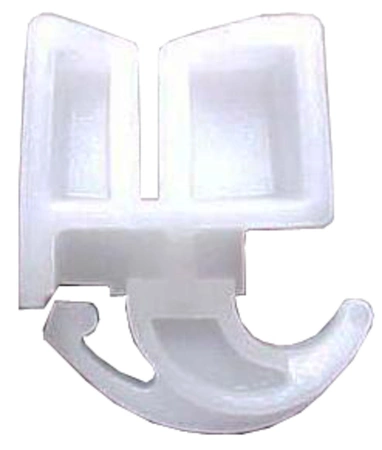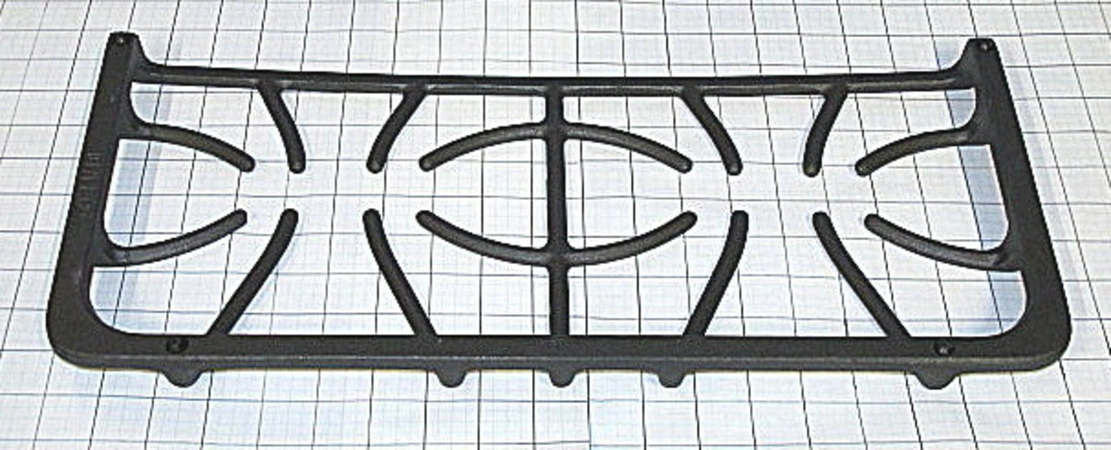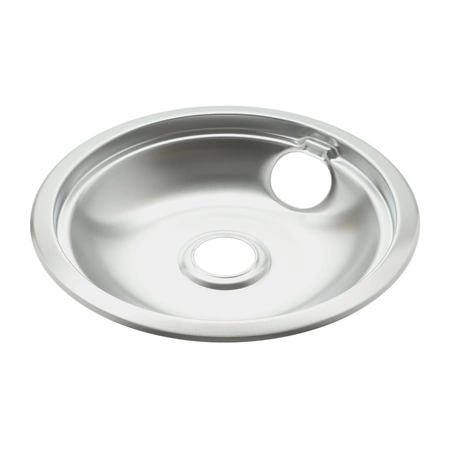
DE81-07932A Samsung Accessories Glide Rack Assembly

$214.63
DE81-07932A Samsung Accessories Glide Rack
- Description
- Installation Guide
- Additional information
- Replaceable Parts
- Used in Models
Description
DE81-07932A Samsung Accessories Glide Rack
Step 1: Gather the necessary materials
- Replacement Glide Rack (Samsung DE81-07932A SVC-ACCY)
- Phillips screwdriver
Step 2: Unplug the appliance from the wall and remove all the food from the refrigerator.
Step 3: Remove the old glide rack. Use the Phillips screwdriver to unscrew the screws holding the glide rack in place. Once all the screws have been removed, carefully slide out the glide rack.
Step 4: Install the new glide rack. Place the new glide rack in the same location as the old one, aligning it with the grooves in the side panels. Secure it with the same screws used to uninstall the old rack.
Step 5: Plug in the refrigerator and replace any food that was removed.
Step 6: Test the new glide rack. Open and close the refrigerator door and make sure the glide rack is securely attached and functioning properly.
Step 7: Enjoy your newly installed glide rack. Now you can easily access the items stored on the glide rack without having to worry about it getting stuck or damaged over time.
Please keep in mind, these instructions are for general guidance and should always be used in conjunction with the manufacturer's manual, if available.
Additional information
| Weight | 12.308100 kg |
|---|---|
| Dimensions | 29.72 × 20.59 × 2.80 cm |
| Dimension |
- SMG DE81-08444A (smg-de81-08444a)
- SMG ARGO27H (smg-argo27h)
This product is not used in any models.