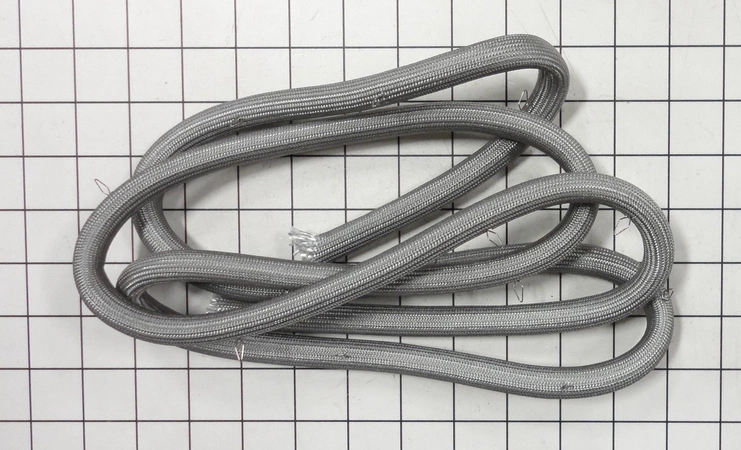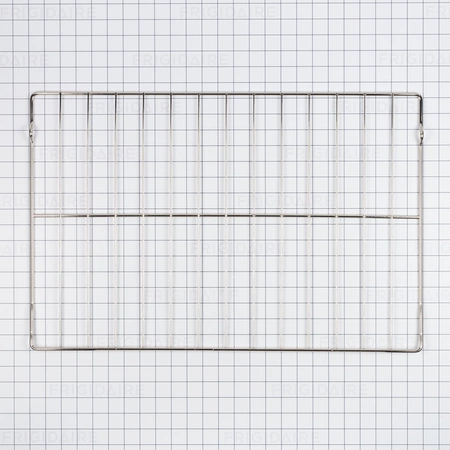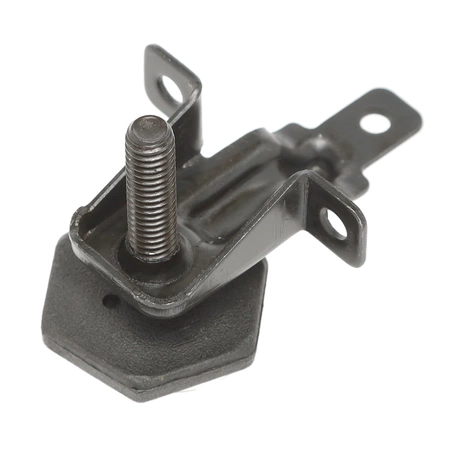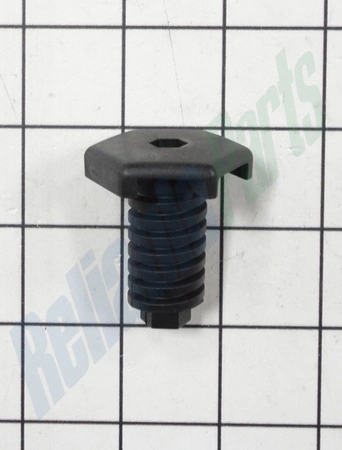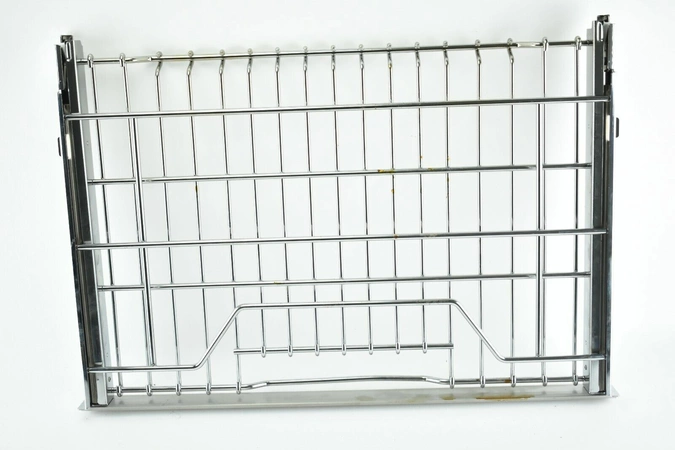
DE81-07933A Samsung Accessories Glide Rack Assembly

$215.61
DE81-07933A Samsung Accessories Glide Rack
- Description
- Installation Guide
- Additional information
- Replaceable Parts
- Used in Models
Description
DE81-07933A Samsung Accessories Glide Rack
Step 1: Unplug the power cord of your Samsung DE81-07933A SVC-ACCY GLIDE RACK from the wall outlet.
Step 2: Inspect the old glide rack for any damage and wear-and-tear.
Step 3: Remove the screws from the top and bottom of the glide rack using a Phillips-head screwdriver.
Step 4: Lift the glide rack out from the oven, ensuring to take note of any wiring or clips still attached to the old glide rack.
Step 5: Put the new glide rack into the oven.
Step 6: Reconnect all of the wiring or clips that you had detached from the old glide rack.
Step 7: Secure the new glide rack into place by tightening the screws with a Phillips-head screwdriver.
Step 8: Plug the power cord back into the wall outlet.
Step 9: Test out the Samsung DE81-07933A SVC-ACCY GLIDE RACK by running a self-cleaning cycle.
Please keep in mind, these instructions are for general guidance and should always be used in conjunction with the manufacturer's manual, if available.
Additional information
| Weight | 0.000000 kg |
|---|
- SMG DE81-05136A (smg-de81-05136a)
- SMG DE81-08891A (smg-de81-08891a)
- SMG 106993 (smg-106993)
This product is not used in any models.