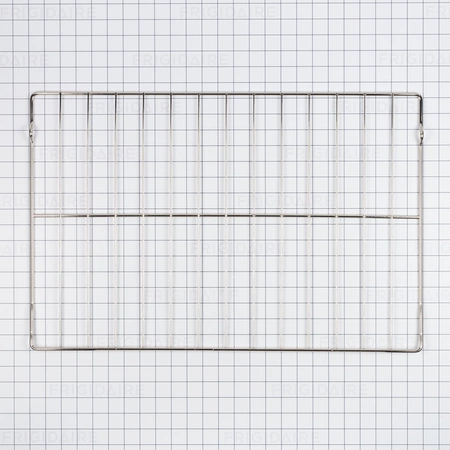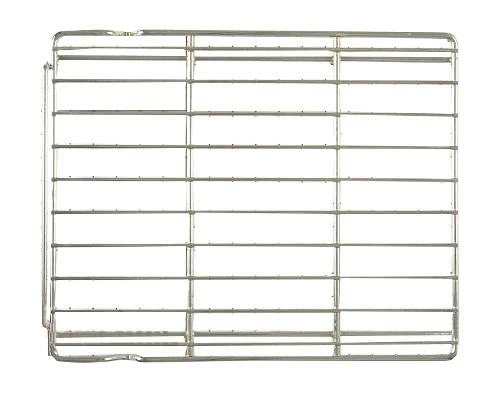
DE81-08134A Samsung Oven Rack 18 Cell Assembly

$138.27
DE81-08134A Samsung Oven Rack 18 Cell
- Description
- Installation Guide
- Additional information
- Replaceable Parts
- Used in Models
Description
DE81-08134A Samsung Oven Rack 18 Cell
1. Unplug the oven from its power source before beginning any repair to ensure your safety.
2. Open the oven door and locate the screws along the sides of the oven cavity. These screws will hold the oven rack in place.
3. Remove the screws with a Phillips head screwdriver.
4. Pull out the oven rack from the oven cavity and set it aside.
5. Take the new oven rack, the Samsung DE81-08134A SVC-OVEN RACK 18 CELL, and line it up with the old one.
6. Insert the screws into the side of the new oven rack and screw them in tightly.
7. Place the oven rack back into the oven cavity and make sure it is securely fastened.
8. Close the oven door and plug the oven back into its power source.
9. Test the oven rack by sliding it in and out of the oven cavity to make sure it is properly secured.
10. Enjoy your newly installed oven rack.
Please keep in mind, these instructions are for general guidance and should always be used in conjunction with the manufacturer's manual, if available.
Additional information
| Weight | 3.596800 kg |
|---|---|
| Dimensions | 16.42 × 13.11 × 2.32 cm |
| Dimension |
- SMG 62298 (smg-62298)
- SMG 62782 (smg-62782)
This product is not used in any models.