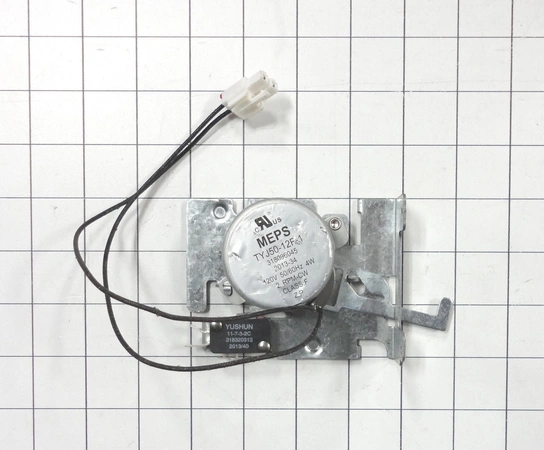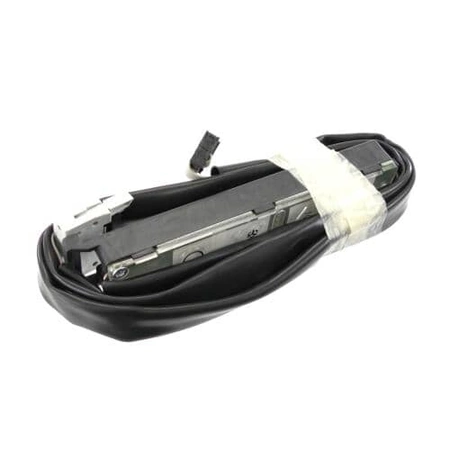
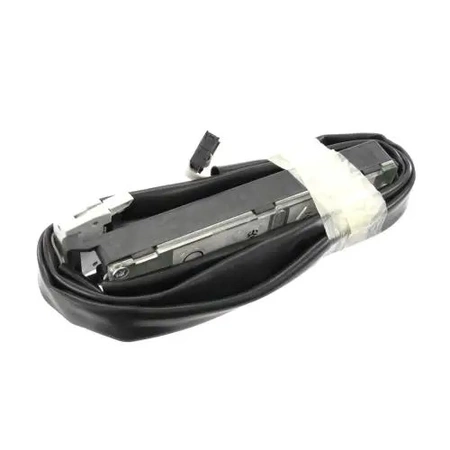
DE81-08659A Samsung Control Box Set

$232.99
DE81-08659A Samsung Control Box Set
- Description
- Installation Guide
- Additional information
- Replaceable Parts
- Used in Models
Description
DE81-08659A Samsung Control Box Set
DIY: How to Replace the Samsung DE81-08659A SVC-CONTROL BOX SET
Tools Needed:
•Flathead screwdriver
•Phillips head screwdriver
•Wire strippers
Step 1: Unplug your appliance from the wall socket first and then locate the Samsung DE81-08659A SVC-CONTROL BOX SET.
Step 2: With a flathead screwdriver, you will need to unscrew the screw holding the box in place. Once this is complete, carefully remove the old box and set it aside.
Step 3: Take the new SVC-CONTROL BOX SET and make sure it is the correct one for your appliance.
Step 4: Using the Phillips head screwdriver, attach the new SVC-CONTROL BOX SET to its place by screwing it in securely.
Step 5: With wire strippers, strip the ends of the wires coming from the appliance and the power source.
Step 6: Connect the stripped ends of the wires to the SVC-CONTROL BOX SET.
Step 7: Plug your appliance back into the wall socket and turn it on.
Step 8: Test the appliance to make sure the SVC-CONTROL BOX SET is working properly.
You have now successfully installed the Samsung DE81-08659A SVC-CONTROL BOX SET!
Please keep in mind, these instructions are for general guidance and should always be used in conjunction with the manufacturer's manual, if available.
Additional information
| Weight | 0.000000 kg |
|---|
- SMG 101966 (smg-101966)
This product is not used in any models.