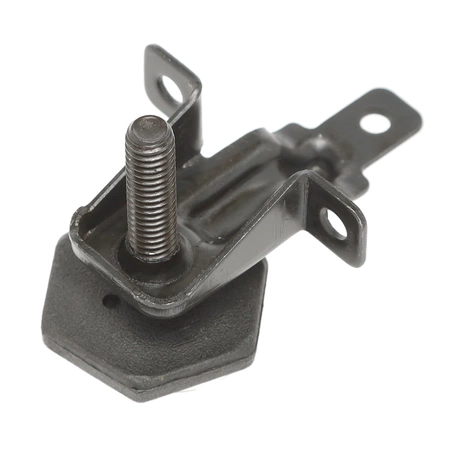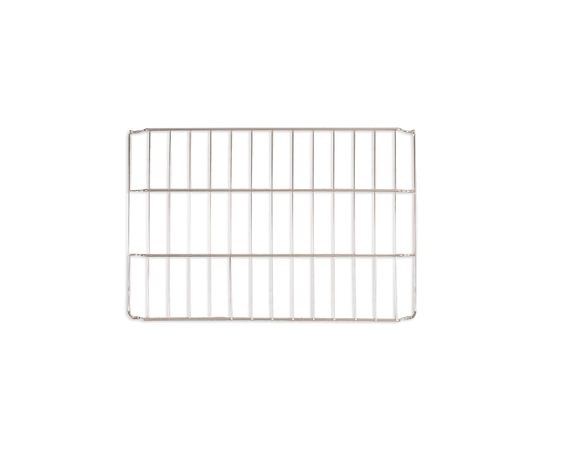
DE81-09545A Samsung Rack Support

$56.92
DE81-09545A Samsung Rack Support
- Description
- Installation Guide
- Additional information
- Replaceable Parts
- Used in Models
Description
DE81-09545A Samsung Rack Support
Replacing the Samsung DE81-09545A SVC-RACK SUPPORT
Things You'll Need:
• Phillips head screwdriver
• Replacement Samsung DE81-09545A SVC-RACK SUPPORT
Instructions:
1. Using a Phillips head screwdriver, remove all screws securing the Samsung DE81-09545A SVC-RACK SUPPORT to the appliance.
2. Carefully lift the support out and place it aside.
3. Remove any debris in the area and ensure that the mounting area is clean and free from dirt or dust.
4. Place the new Samsung DE81-09545A SVC-RACK SUPPORT into the appliance.
5. Secure the replacement support with the previously removed screws.
6. Ensure that all screws are properly tightened for a secure fit.
7. Test the new Samsung DE81-09545A SVC-RACK SUPPORT for proper operation.
Tips:
• Always wear protective eyewear when working on kitchen appliances.
• Make sure that the area is well ventilated when replacing the support.
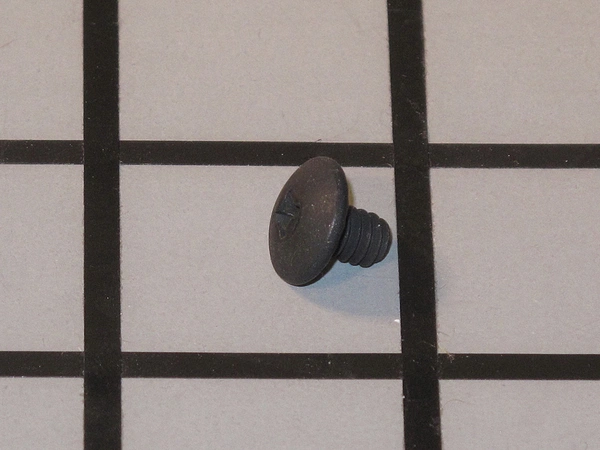
• Always store any extra screws in a safe place.
Please keep in mind, these instructions are for general guidance and should always be used in conjunction with the manufacturer's manual, if available.
Additional information
| Weight | 0.000000 kg |
|---|
- SMG 106991 (smg-106991)
This product is not used in any models.