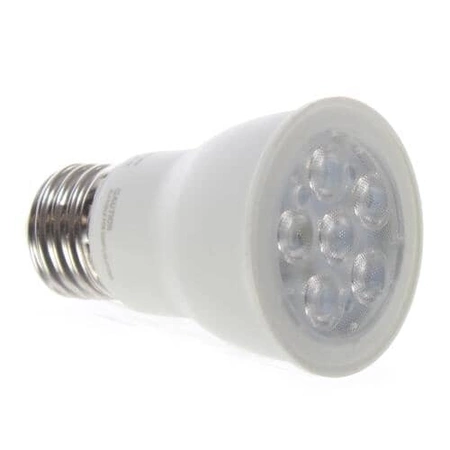
DE81-10199A Samsung LED Light Assembly

$17.30
DE81-10199A Samsung Light Led
- Description
- Installation Guide
- Additional information
- Replaceable Parts
- Used in Models
Description
DE81-10199A Samsung Light Led
Step 1: Turn off the power to the Samsung DE81-10199A SVC-LIGHT LED by unplugging the power cord from the outlet.
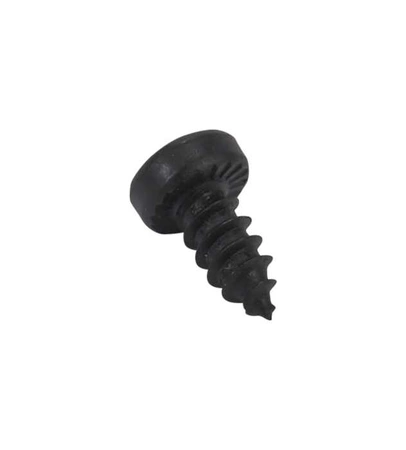
Step 2: Remove the screws that hold the light fixture in place.
Step 3: Carefully take out the Samsung DE81-10199A SVC-LIGHT LED from the mounting bracket.
Step 4: Put the new Samsung DE81-10199A SVC-LIGHT LED in the mounting bracket using the same screws as the old one.
Step 5: Connect the wires as per the instructions in the manual. Make sure all the connections are secure and tight.
Step 6: Once the installation is complete, turn on the power and check if the light works.
Step 7: If everything is working properly, you have successfully replaced the Samsung DE81-10199A SVC-LIGHT LED.
Please keep in mind, these instructions are for general guidance and should always be used in conjunction with the manufacturer's manual, if available.
Additional information
| Weight | 0.376800 kg |
|---|---|
| Dimensions | 5.16 × 3.58 × 2.83 cm |
| Dimension |
- SMG 109253 (smg-109253)
This product is not used in any models.