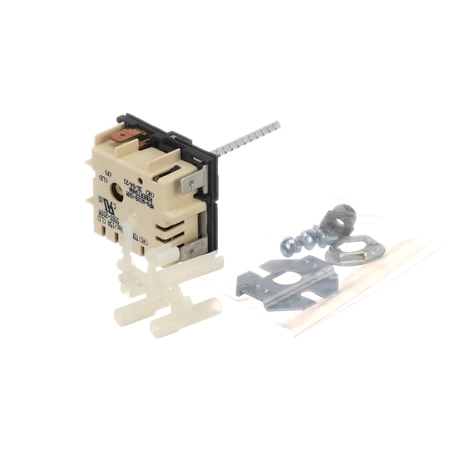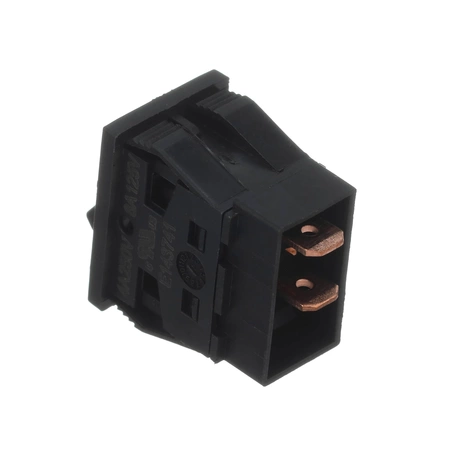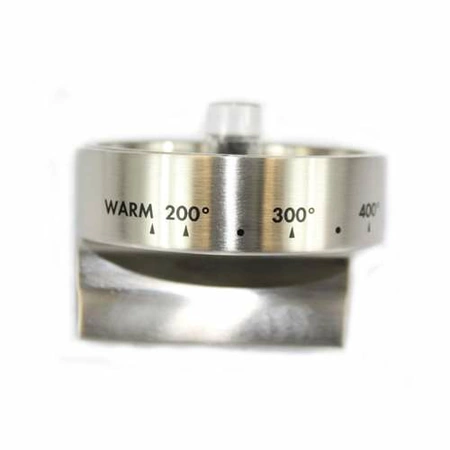
DE81-10350A Samsung Oven Knob Assembly

$43.34
DE81-10350A Samsung Oven Knob
- Description
- Installation Guide
- Additional information
- Replaceable Parts
- Used in Models
Description
DE81-10350A Samsung Oven Knob
1. Disconnect power to the range/oven. Make sure that the oven is completely off and unplugged from the wall.
2. Remove the screws from the back of the range that hold the control panel in place. Carefully pull the control panel away from the range and set aside.
3. Locate the Samsung DE81-10350A SVC-KNOB on the control board. There should be two screws holding the knob in place.
4. Remove the screws and gently pull out the knob.
5. Insert the new SVC-KNOB into the control board, making sure to properly align it.
6. Secure the new SVC-KNOB with the screws.
7. Reattach the control panel and replace the screws.
8. Reconnect power to the range/oven and test the new SVC-KNOB.
Please keep in mind, these instructions are for general guidance and should always be used in conjunction with the manufacturer's manual, if available.
Additional information
| Weight | 0.000000 kg |
|---|
- SMG 108495 (smg-108495)
- SMG 108495-01 (smg-108495-01)
This product is not used in any models.