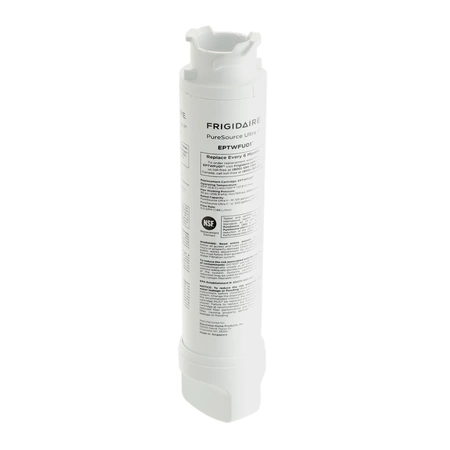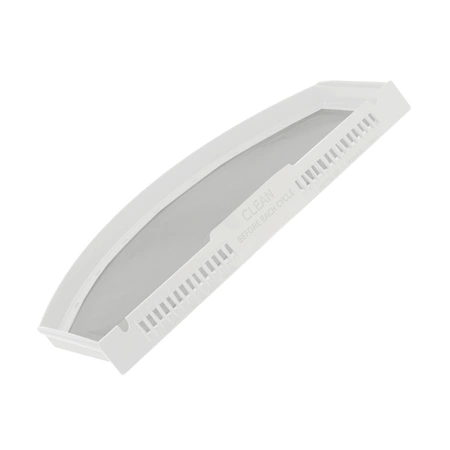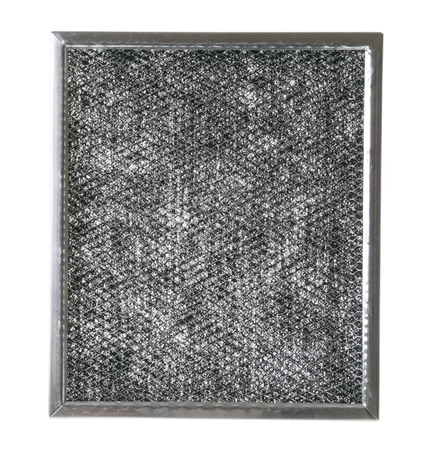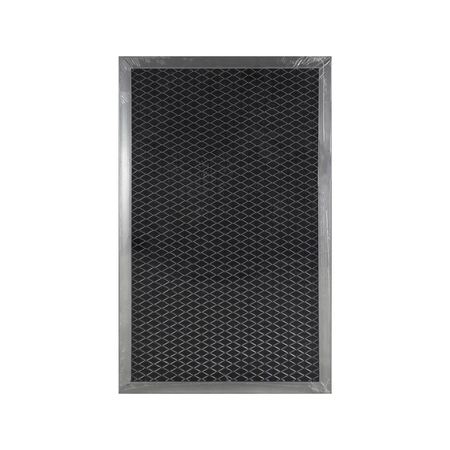
DE81-08774A Samsung Charcoal Filter

$11.97
DE81-08774A Samsung Charcoal Filter
- Description
- Installation Guide
- Additional information
- Replaceable Parts
- Used in Models
Description
DE81-08774A Samsung Charcoal Filter
Step 1: Unplug Refrigerator
Unplug your refrigerator from the wall outlet before beginning any repair or maintenance work.
Step 2: Locate Filter Access Cover
The Samsung DE81-08774A SVC-CHARCOAL FILTER is located behind a filter access cover, which is usually in the right-hand side of the refrigerator interior.
Step 3: Remove Access Cover
Use a Phillips head screwdriver to remove the screws that hold the filter access cover in place. Carefully lift the access cover off and set it aside.
Step 4: Remove Old Filter
Remove the old filter by pulling it straight out and away from the refrigerator interior.
Step 5: Insert New Filter
Insert the new filter into the same spot as the old filter. Push it firmly into place until you feel it click into place.
Step 6: Replace Access Cover
Replace the access cover and secure it with the screws you previously removed.
Step 7: Plug Refrigerator In
Plug the refrigerator back into the wall outlet and you’re done!
Please keep in mind, these instructions are for general guidance and should always be used in conjunction with the manufacturer's manual, if available.
Additional information
| Weight | 0.000000 kg |
|---|
- SMG 66023 (smg-66023)
This product is not used in any models.