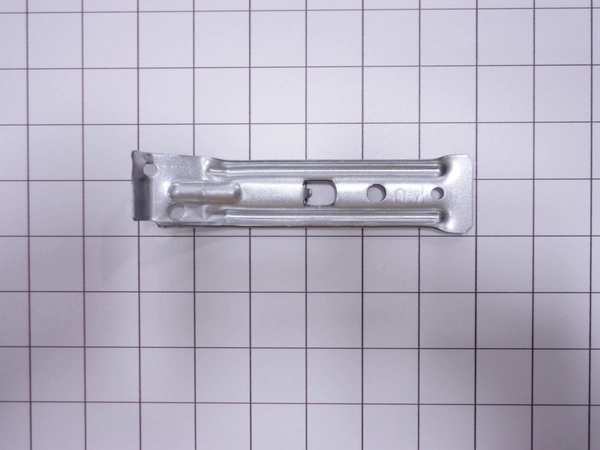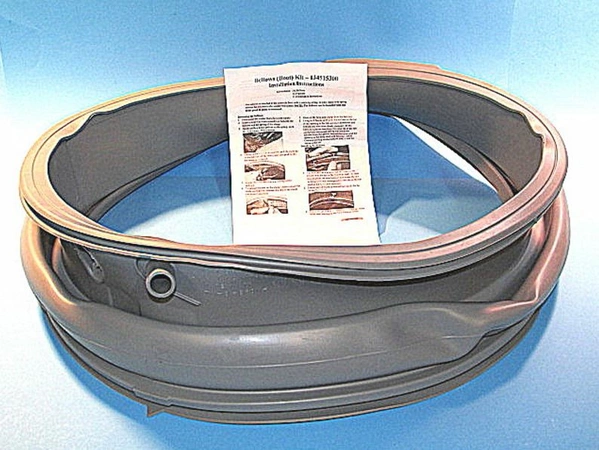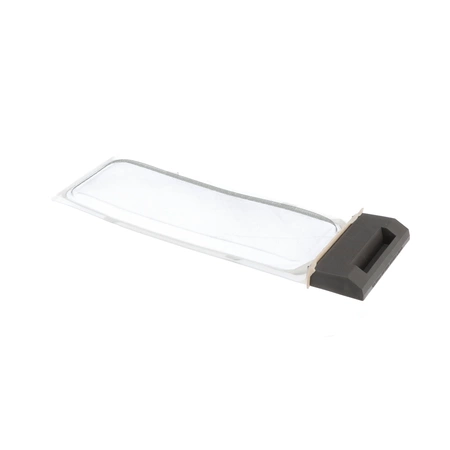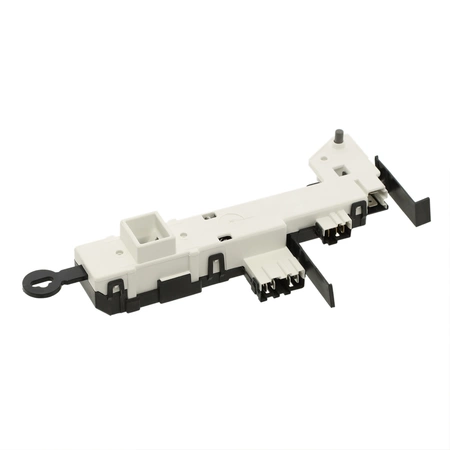
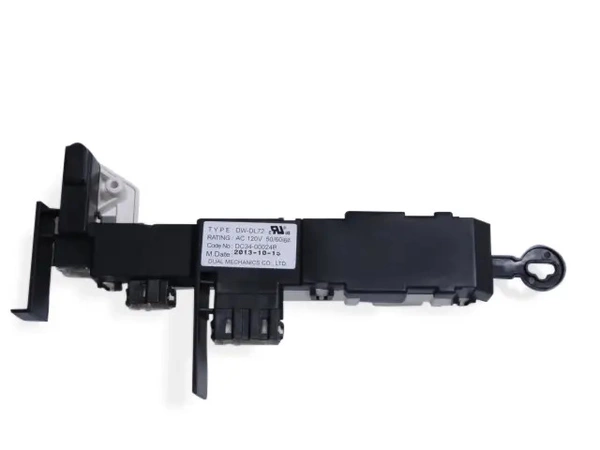
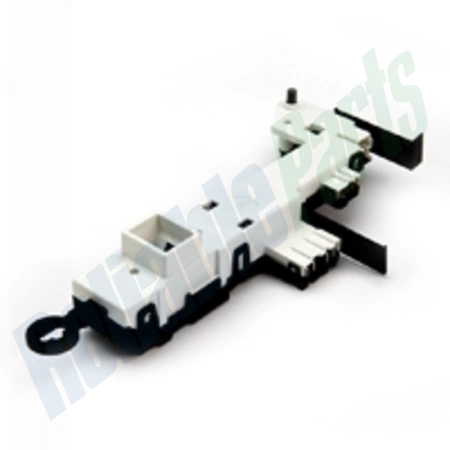
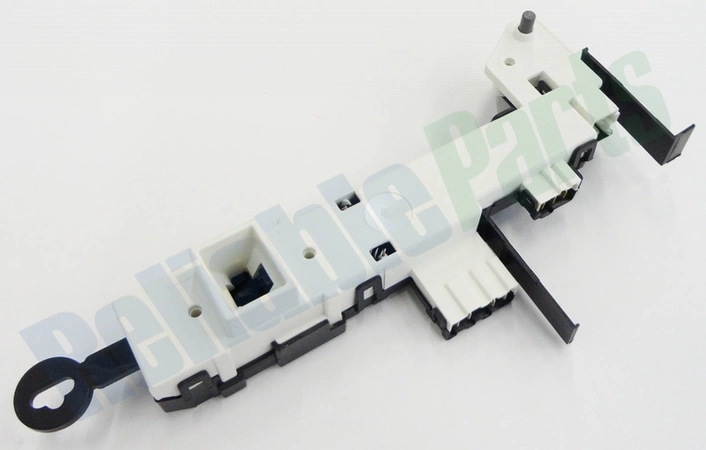
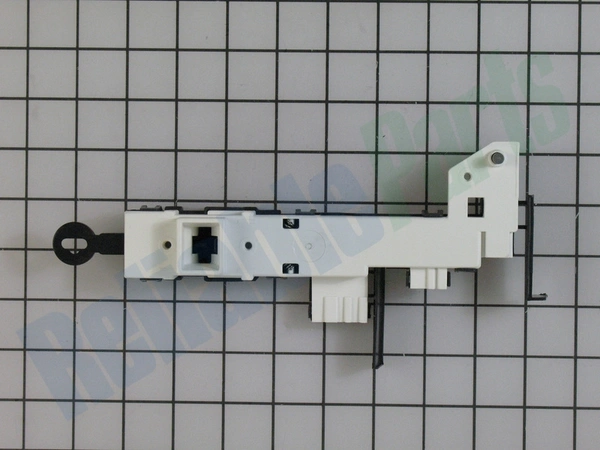
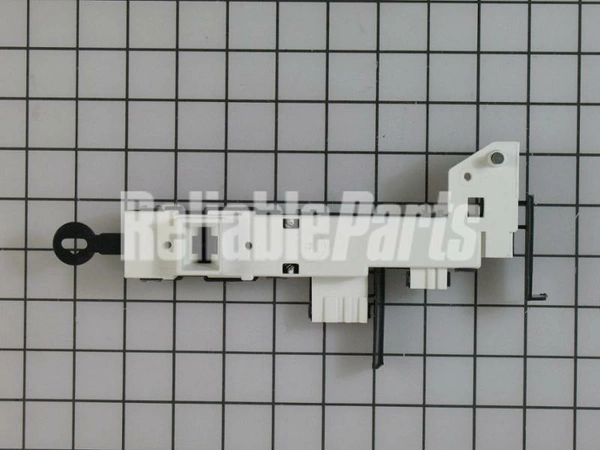
DC34-00024B Samsung Washer Assembly Door Lock Latch Switch

$104.69
Samsung Sears Kenmore Clothes Washer Washing Machine DOOR LOCK LATCH SWITCH ASSEMBLY DC34-00024B
- Description
- Installation Guide
- Additional information
- Used in Models
Description
Samsung Sears Kenmore Clothes Washer Washing Machine DOOR LOCK LATCH SWITCH ASSEMBLY DC34-00024B
1. Begin by unplugging your Samsung washer from the wall and removing the top panel if necessary.
2. Locate the DC34-00024B door lock latch switch assembly at the back of the washer.
3. Unscrew the base of the DC34-00024B door lock latch switch assembly using a Phillips screwdriver.
4. Remove the old DC34-00024B door lock latch switch assembly and discard it.
5. Insert the new DC34-00024B door lock latch switch assembly into the back of the washer.
6. Secure the new DC34-00024B door lock latch switch assembly with Phillips screws.
7. Reconnect any wiring that was previously attached to the old DC34-00024B door lock latch switch assembly.
8. Replace the top panel if necessary, and plug your Samsung washer back into the wall.
9. Test the new DC34-00024B door lock latch switch assembly by running a cycle on your Samsung washer.
Please keep in mind, these instructions are for general guidance and should always be used in conjunction with the manufacturer's manual, if available.
Additional information
| Weight | 1.319500 kg |
|---|---|
| Dimensions | 14.45 × 4.13 × 3.07 cm |
| Dimension |
This product is not used in any models.