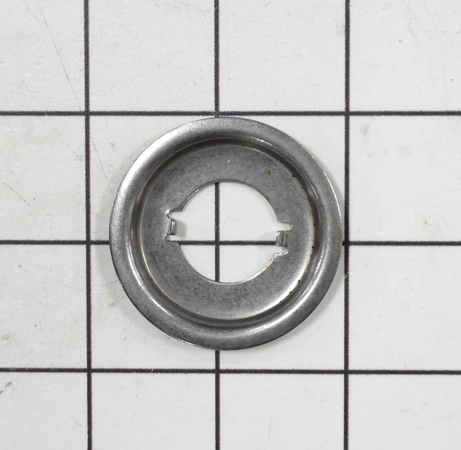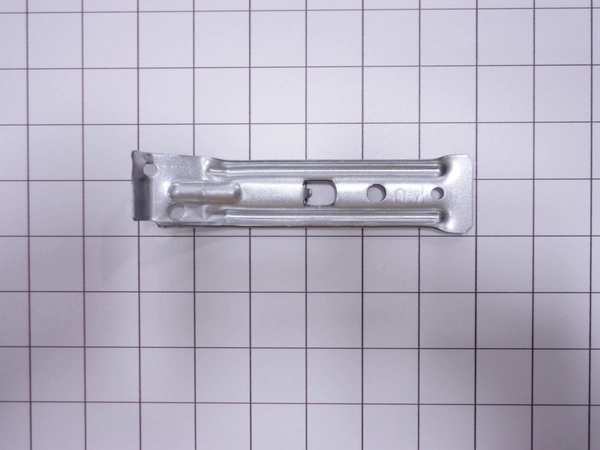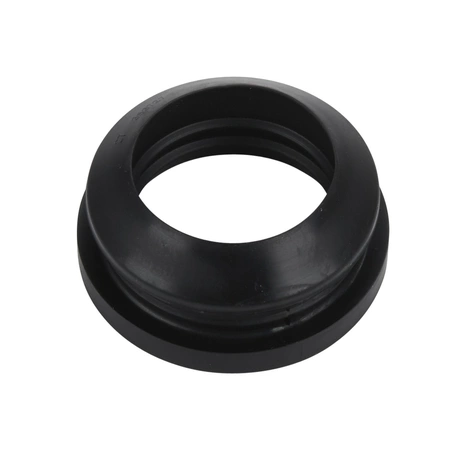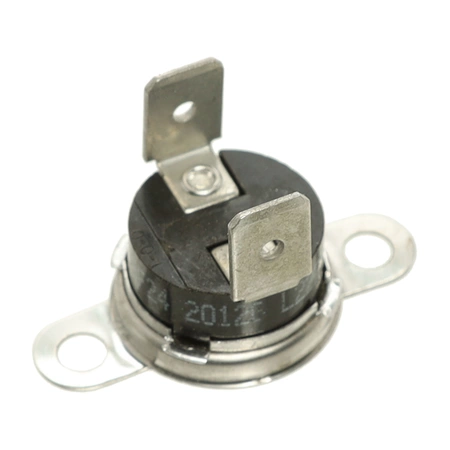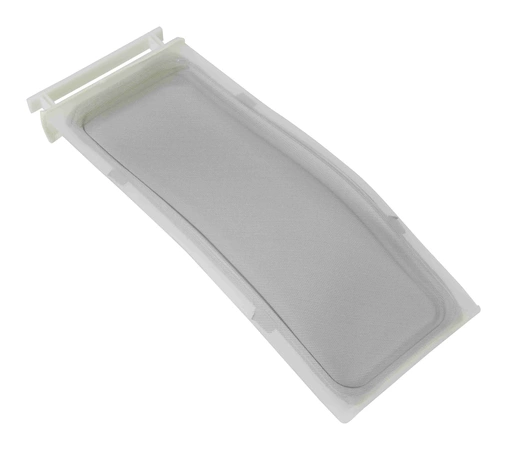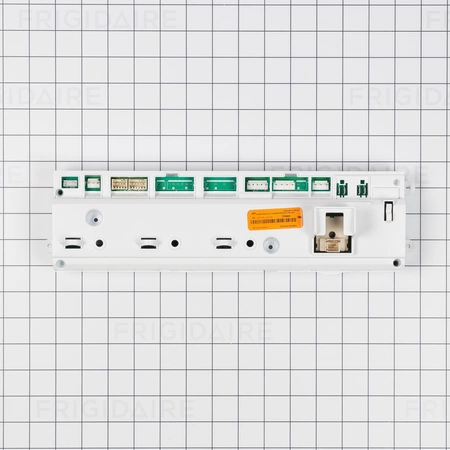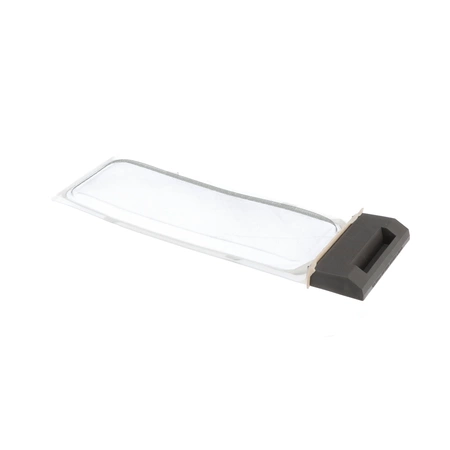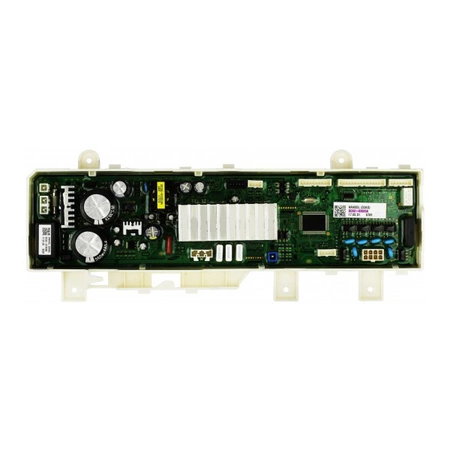
DC92-02005A Samsung Washer User Interface Assembly

$207.71
Experience a high-performance wash with the Samsung DC92-02005A ASSY KIT;OWM_INV,WA7700M,DD,120V. . We’re your #1 source for genuine OEM appliance parts. Contact us for further questions as well as any other appliance parts needs!
- Description
- Installation Guide
- Additional information
- Used in Models
Description
Experience a high-performance wash with the Samsung DC92-02005A ASSY KIT;OWM_INV,WA7700M,DD,120V. . We’re your #1 source for genuine OEM appliance parts. Contact us for further questions as well as any other appliance parts needs!
DIY Steps for Replacing Samsung DC92-02005A ASSY KIT; OWM_INV, WA7700M, DD, 06
1. Unplug the power cord from the wall socket and from the back of the washer before beginning the replacement process.
2. Carefully remove the screws located at the back of the unit.
3. Gently lift the machine off its stand, then disconnect the water lines and drain hose.
4. Take out the defective part and remove the mounting screws holding it in place.
5. Insert the new Samsung DC92-02005A ASSY KIT; OWM_INV, WA7700M, DD, 06 and tighten the screws.
6. Reattach the water lines, drain hose, and power cord.
7. Secure the washer to its stand and test the new part.
Follow these easy steps to replace your Samsung DC92-02005A ASSY KIT; OWM_INV, WA7700M, DD, 06. For best results use genuine Samsung parts for the replacement.
Please keep in mind, these instructions are for general guidance and should always be used in conjunction with the manufacturer's manual, if available.
Additional information
| Weight | 2.261800 kg |
|---|---|
| Dimensions | 18.11 × 5.51 × 3.15 cm |
| Dimension |
This product is not used in any models.